





In short
- Copy the code from your Gameplug order, without spaces.
- Open VALORANT on PC and click the VALORANT icon next to your VP, top right.
- Select Prepaid Cards & Codes, enter the code and click Submit.
- Playing on console? Redeem at shop.riotgames.com/redeem and choose VALORANT.
What you need before you redeem
- The right Riot account. VP go to the account you are logged in to, and a code cannot be split between accounts. Check your Riot ID before you redeem.
- A code for your account's region. Riot cash codes, which include prepaid and gift cards, can only be redeemed in the region where they were purchased, on the server they were issued for. On Gameplug the region is in the product name.
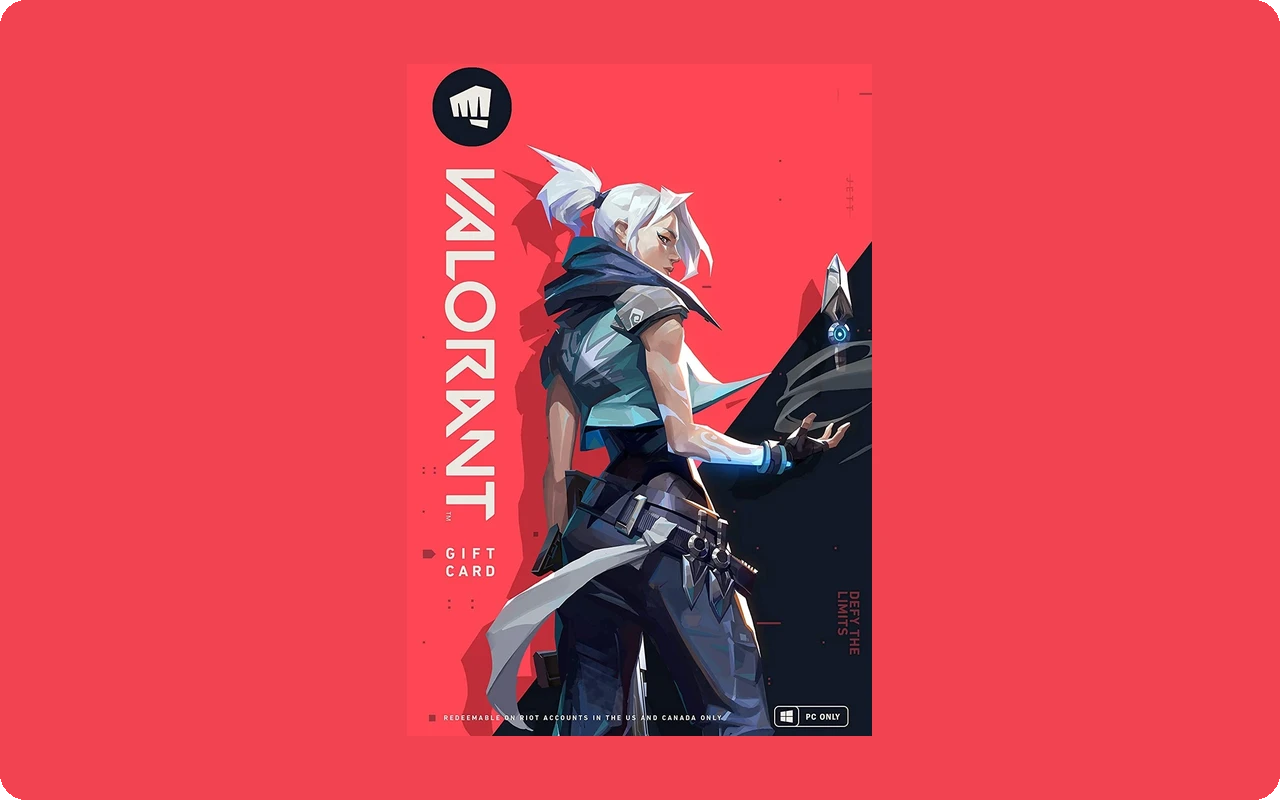
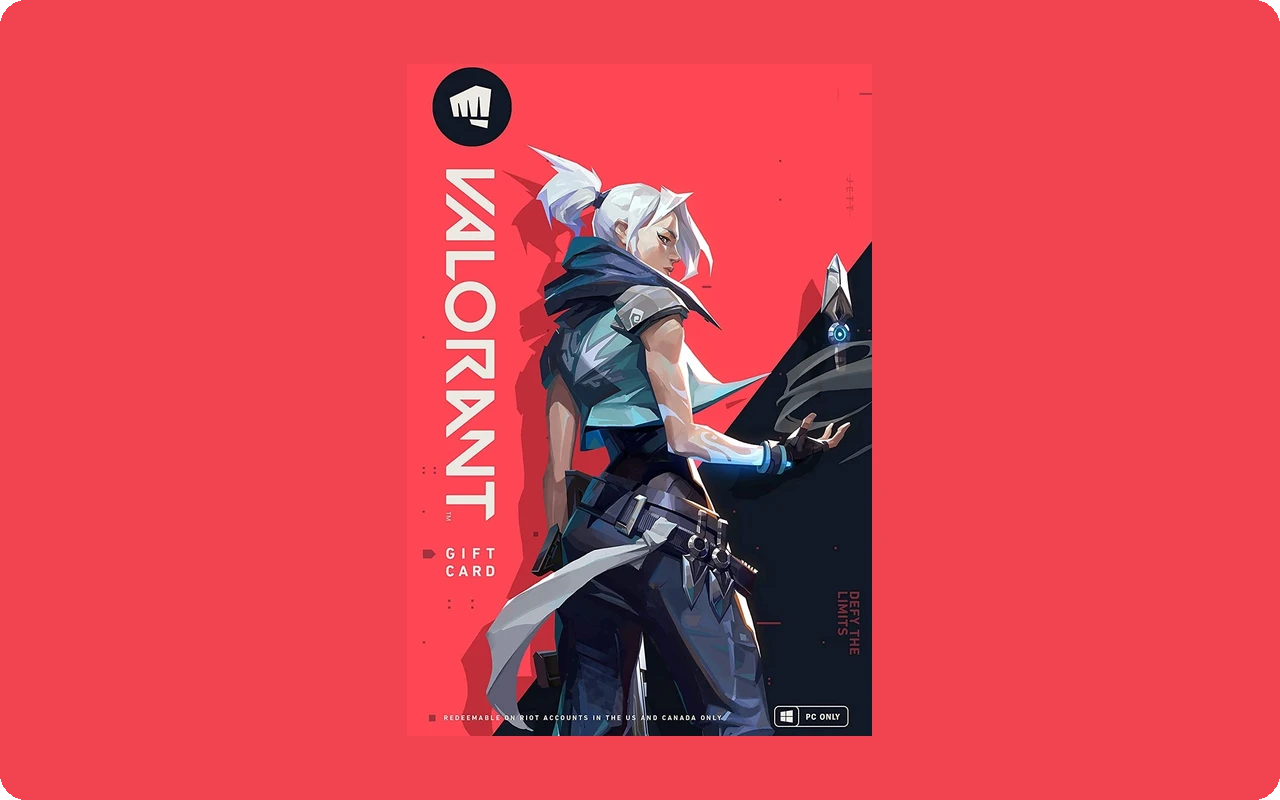
- The right game. The whole code goes to one game and cannot be partially redeemed. Riot says VALORANT prepaid cards can only be redeemed in VALORANT; League of Legends cards are for League of Legends and Teamfight Tactics.
- A PC or a browser. Cash codes redeem in the PC versions of Riot's games. Console players use the Code Redemption page instead. VP are shared between PC and console on the same Riot account.
- A box to tick, in some regions. Riot says that in some regions you must tick a consent box before you can submit the code.
- A game you have played (web page). On the Code Redemption page, a game shown in grey means the account has not played it yet, so log in to VALORANT once before redeeming there.
How to redeem VALORANT Points, step by step
Use the VALORANT client if you play on PC. The Code Redemption page works from any browser and is the route Riot gives console players.