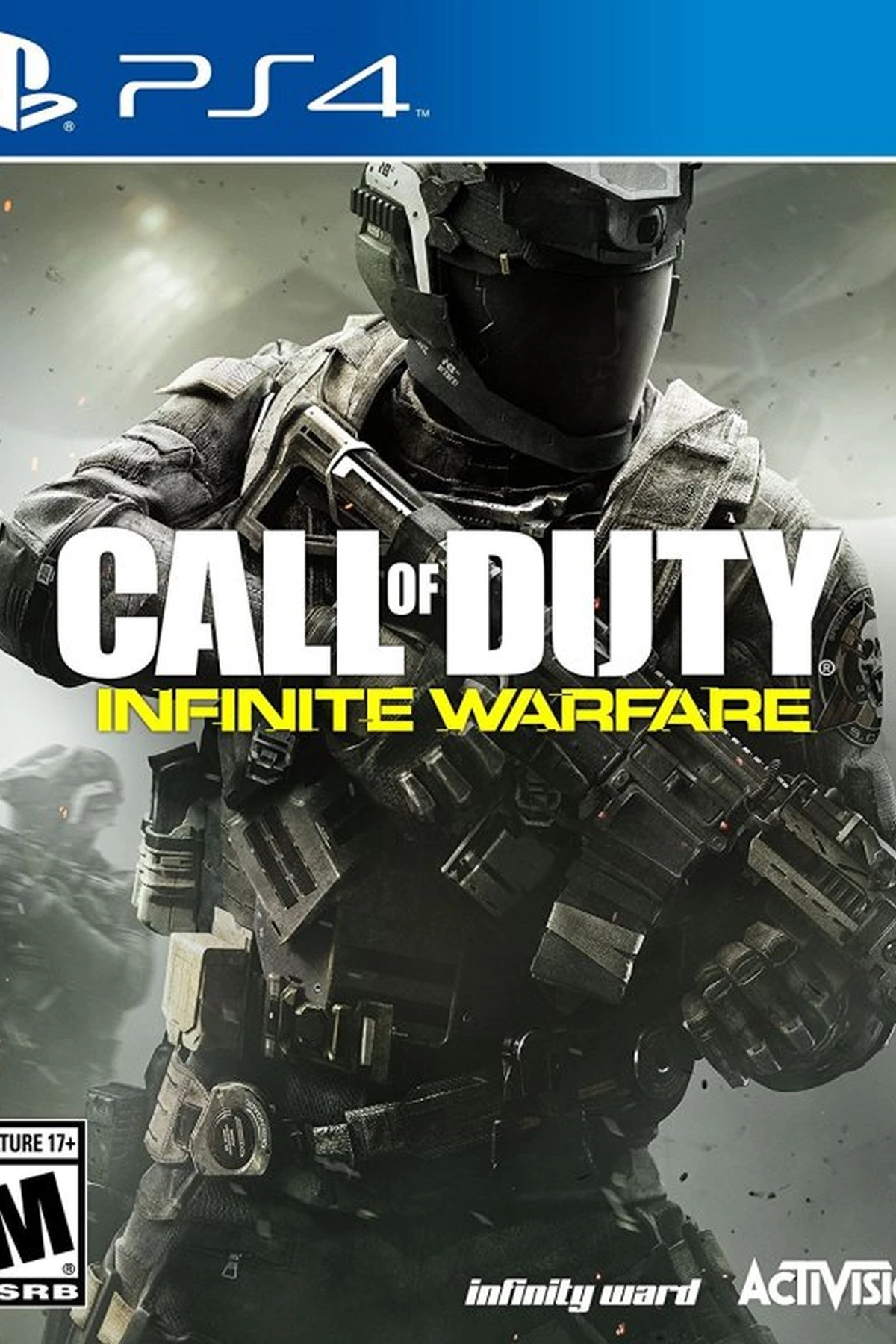
Call of Duty Black Ops: Cold War (PC) - Battle.net Gift - GLOBAL
Region — Global key — no region restriction, activates in every country.
 Can be activated in United States
At a glance
- Region
- GlobalCheck region restrictions
- Platform
- PC
- Format
- Digital keyGenuine & region-checked
- Delivery
- Instant deliveryEmailed in ~30 seconds
- Works on
Windows
Buy Call of Duty Black Ops: Cold War (PC) - Battle.net Gift - key
Call of Duty: Black Ops Cold War (PC) - Battle.net Gift - GLOBAL
Overview Engage in the gripping, politically charged world of Call of Duty: Black Ops Cold War , now available as a Battle.net Gift for PC. This edition provides a compelling single-player campaign and thrilling multiplayer experiences, all within the established Call of Duty universe. This is a global version redeemable worldwide.
Key Features Intense Campaign: Delve into a single-player story inspired by actual events of the Cold War era. Navigate through historical settings and encounter real-world figures. Multiplayer Combat: Experience signature Black Ops multiplayer with new maps, modes, and weapons. Engage in fast-paced, tactical combat. Zombies Mode: Confront hordes of the undead in a chilling and evolving Zombies experience with new characters, weapons, and secrets. Battle.net Integration: Seamlessly integrates with the Battle.net platform for secure downloads, social features, and streamlined gameplay. Global Version: This is a globally redeemable Battle.net Gift, ensuring compatibility regardless of your location.
Gameplay Experience Black Ops Cold War delivers a diverse range of gameplay opportunities. The campaign emphasizes stealth, infiltration, and decision-making, while multiplayer focuses on competitive skill and strategic teamwork. The Zombies mode offers a cooperative survival experience that rewards communication and resource management.
System Requirements Please refer to the official Battle.net website for minimum and recommended system specifications to ensure optimal performance. Compatibility information is readily available on the Battle.net store page for Call of Duty: Black Ops Cold War .
Delivery Information Upon successful purchase, you will receive a Battle.net Gift code. This code can be redeemed directly on your Battle.net account to download and install Call of Duty: Black Ops Cold War .…
How to activate Call of Duty Black Ops: Cold War (PC) - Battle.net Gift - on Battle.net
- 01
Buy & receive your code
Complete checkout — your code lands in your inbox in ~30 seconds, and is always available under Orders in your Gameplug account.
- 02
Open your Account Overview
Sign in at account.battle.net and find the "Redeem a Code" box (desktop app: profile icon → "Redeem Code").
- 03
Enter your code
Click Redeem Code — the game, Balance or Game Time attaches to your Battle.net account.
Code not working? Contact support — confirmed-invalid codes are replaced or refunded.