

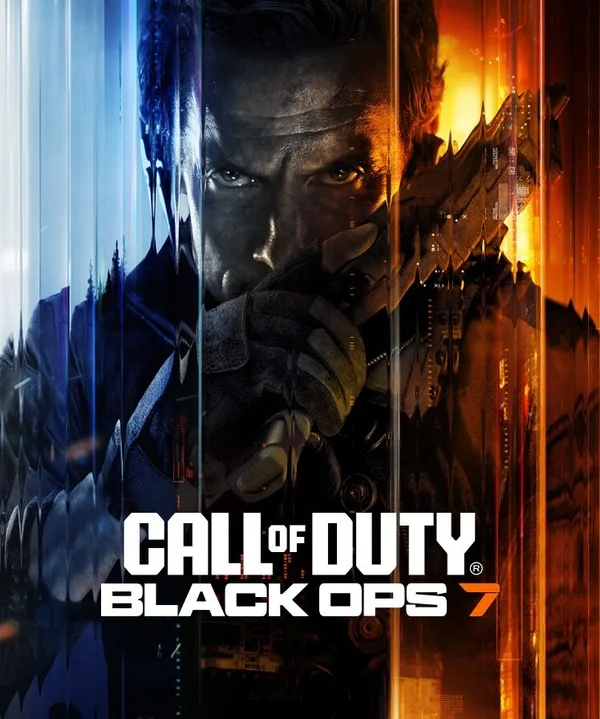
Call of Duty: Black Ops 7 (PC) - Battle.net Gift - GLOBAL
Region — Global key — no region restriction, activates in every country.
 Can be activated in United States
At a glance
- Region
- GlobalCheck region restrictions
- Platform
- PC
- Format
- Digital keyGenuine & region-checked
- Delivery
- Instant deliveryEmailed in ~30 seconds
- Works on
Windows
Buy Call of Duty: Black Ops 7 (PC) - Battle.net Gift - key
Call of Duty: Black Ops 7 - PC (Battle.net Gift - GLOBAL)
Experience the next evolution in tactical first-person shooter combat with Call of Duty: Black Ops 7 . This Battle.net gift provides access to the full game for PC players globally.
Key Features: Enhanced Campaign: Engage in a gripping single-player campaign featuring intricate narratives and challenging scenarios. Experience classic Black Ops style gameplay with updated mechanics. Next-Gen Multiplayer: Dominate the competition in a reimagined multiplayer experience with new maps, modes, and weapons. Refine your skills and strategize with your team for victory. Zombies Mode Evolved: Face relentless hordes of the undead in a brand-new Zombies experience. Discover secrets, unlock powerful upgrades, and survive the night with your squad. Global Access: This Battle.net gift key is valid for use worldwide, allowing players across the globe to join the action. PC Optimized: Enjoy stunning visuals and smooth performance with optimizations tailored for PC gaming. Benefit from customizable graphics settings and support for high refresh rates.
System Requirements (Recommended): OS: Windows 10/11 64-bit Processor: Intel Core i7-8700K or AMD Ryzen 7 2700X Memory: 16 GB RAM Graphics: NVIDIA GeForce RTX 3060 or AMD Radeon RX 6700 XT DirectX: Version 12 Network: Broadband Internet connection Storage: 175 GB available space (Note: System requirements are subject to change. Please refer to the official Call of Duty website for the most up-to-date information.)
Delivery: You will receive a digital code redeemable on Battle.net upon purchase.
Redemption Instructions: Log in to your Battle.net account. Click on your username at the top right of the screen. Select "Redeem a Code." Enter the provided code and follow the on-screen instructions.
How to activate Call of Duty: Black Ops 7 (PC) - Battle.net Gift - on Battle.net
- 01
Buy & receive your code
Complete checkout — your code lands in your inbox in ~30 seconds, and is always available under Orders in your Gameplug account.
- 02
Open your Account Overview
Sign in at account.battle.net and find the "Redeem a Code" box (desktop app: profile icon → "Redeem Code").
- 03
Enter your code
Click Redeem Code — the game, Balance or Game Time attaches to your Battle.net account.
Code not working? Contact support — confirmed-invalid codes are replaced or refunded.







