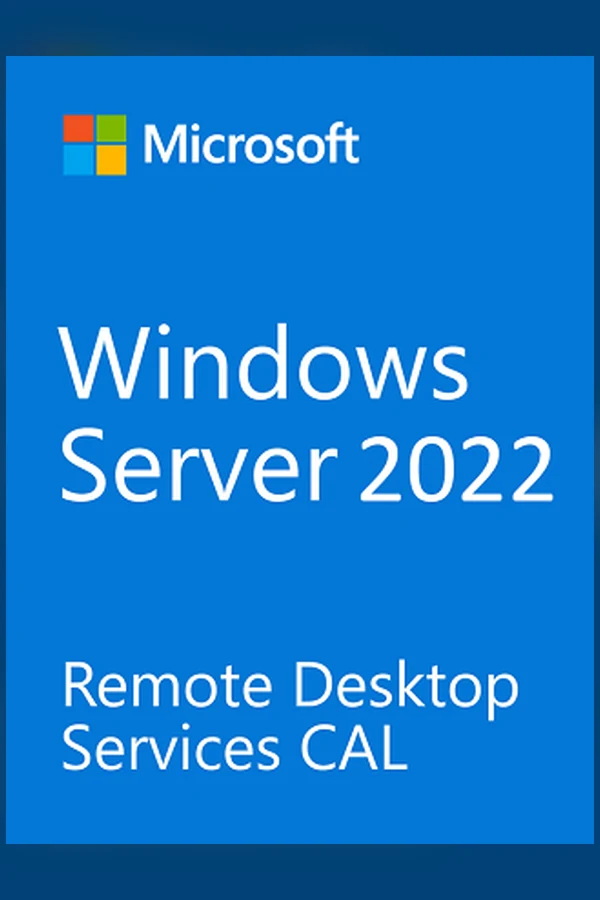
Windows Server 2022 Remote Desktop Services 50 Device CAL - Microsoft Key - GLOBAL
Region — Works worldwide — no region restriction.
 Can be activated in United States
Buy Windows Server 2022 Remote Desktop Services 50 Device CAL - Microsoft Key -
Windows Server 2022 Remote Desktop Services 50 Device CAL - Global
This listing provides a genuine Microsoft Windows Server 2022 Remote Desktop Services (RDS) 50 Device CAL (Client Access License). This license grants 50 devices access to connect to and use resources on a Windows Server 2022 machine running RDS. This is a global key, meaning it can be activated anywhere in the world.
Key Features:
• Genuine Microsoft Product: Ensures compatibility and access to support.
• 50 Device CALs: Authorizes 50 distinct devices to connect to your RDS server simultaneously or concurrently, depending on your server configuration.
• Global Activation: Works anywhere in the world.
• Windows Server 2022 Compatibility: Specifically designed for use with Windows Server 2022.
• Secure Remote Access: Enables secure remote access to applications and desktops hosted on your server.
What is a Device CAL?
A Device CAL (Client Access License) grants a specific device the right to access a server's resources. Unlike a User CAL, which is tied to a user account, a Device CAL allows any user who signs in on that specific device to access the server's resources.
What you will receive:
• A single Microsoft product key for activation.
• Instructions for activation (usually available through the Microsoft activation website).
System Requirements:
Requires a valid installation of Windows Server 2022. Please ensure you have the correct server edition before purchasing.
Important Note:
This listing is for the CAL license only. You must already have a Windows Server 2022 server installation to utilize this license. This is not a full server operating system. Contact Microsoft Support for any activation issues.
Disclaimer:
We are an authorized reseller of Microsoft software. All keys are sourced from legitimate channels.
How to activate Windows Server 2022 Remote Desktop Services 50 Device CAL - Microsoft Key - on Microsoft / Xbox
- 01
Buy & receive your code
Complete checkout — your code lands in your inbox in ~30 seconds, and is always available under Orders in your Gameplug account.
- 02
Open redeem.microsoft.com
Sign in with the Microsoft account you game with (or on console: Store → "Redeem").
- 03
Enter the 25-character code
Codes look like XXXXX-XXXXX-XXXXX-XXXXX-XXXXX. Confirm, and the product/credit is applied.
- 04
Play anywhere
Games and Game Pass apply across Xbox console and Windows under the same account.
Code not working? Contact support — confirmed-invalid codes are replaced or refunded.
All sellers
What our customers say
You might also like