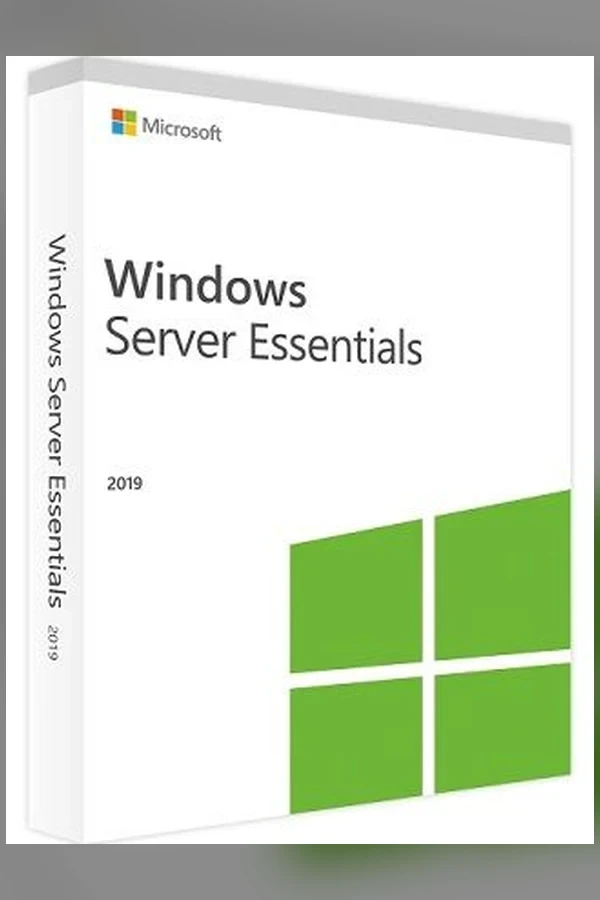
Windows Server 2019 Essentials (Microsoft)
Region — Works worldwide — no region restriction.
 Can be activated in United States
Buy Windows Server 2019 Essentials (Microsoft)
What is Windows Server 2019 Essentials? Discover the simplicity and power of Windows Server 2019 Essentials, a specialized server solution tailored for small businesses. This edition brings essential features and capabilities to your organization, empowering you to efficiently manage data, collaborate seamlessly, and safeguard your business operations. With a user-friendly interface and a range of functionalities, Windows Server 2019 Essentials is the perfect choice for businesses looking to establish a reliable and cost-effective IT infrastructure. Experience the reliability and efficiency of Windows Server 2019 Essentials. Simplify data management, enhance collaboration, and fortify security with this tailored solution, ensuring your small business thrives in today's competitive landscape. Windows Server 2019 Essentials FAQ: Is Windows Server 2019 Essentials suitable for small businesses?Absolutely. Windows Server 2019 Essentials is designed to cater to the needs of small businesses and home offices. Its intuitive interface, remote access capabilities, and integration with cloud services make it an excellent choice for organizations seeking to enhance their operations. Can I access my business data remotely?Yes, Windows Server 2019 Essentials provides secure remote web access, enabling employees to connect to the server and access files, applications, and documents from any location with an internet connection. How does Essentials improve collaboration within my team?Windows Server 2019 Essentials seamlessly integrates with Microsoft 365, facilitating collaboration through cloud-based email, document sharing, and communication tools. This ensures that your team can work together efficiently, no matter where they are located. Is data backup and recovery easy to manage?Certainly. Windows Server 2019 Essentials simplifies data backup and recovery with user-friendly tools.…
How to activate Windows Server 2019 Essentials (Microsoft) on Microsoft / Xbox
- 01
Buy & receive your code
Complete checkout — your code lands in your inbox in ~30 seconds, and is always available under Orders in your Gameplug account.
- 02
Open redeem.microsoft.com
Sign in with the Microsoft account you game with (or on console: Store → "Redeem").
- 03
Enter the 25-character code
Codes look like XXXXX-XXXXX-XXXXX-XXXXX-XXXXX. Confirm, and the product/credit is applied.
- 04
Play anywhere
Games and Game Pass apply across Xbox console and Windows under the same account.
Code not working? Contact support — confirmed-invalid codes are replaced or refunded.
Windows Server 2019 Essentials (Microsoft) system requirements
All sellers
What our customers say
You might also like