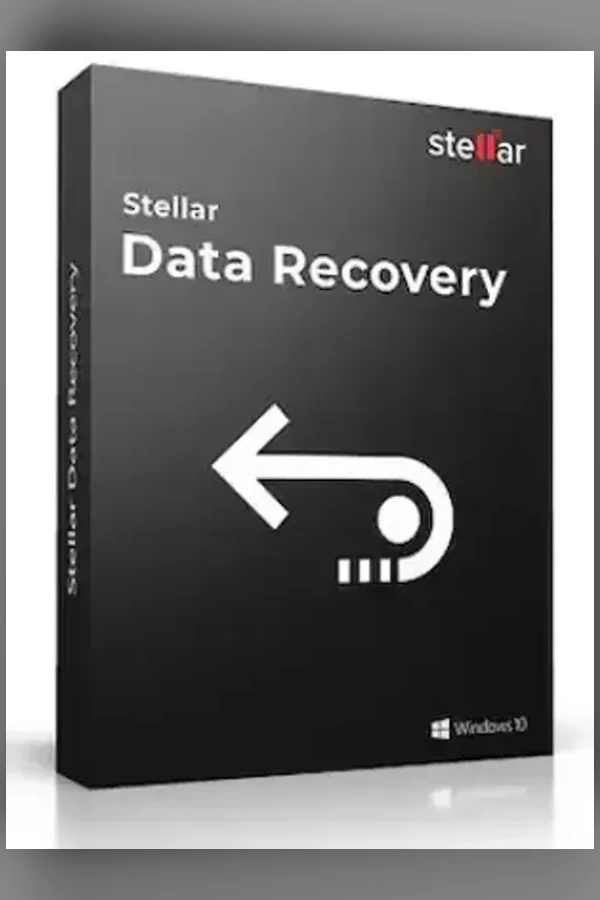
Stellar Data Recovery CD Key (1 Year / 1 PC)
Region — Works worldwide — no region restriction.
 Can be activated in United States
Buy Stellar Data Recovery CD Key (1 Year / 1 PC)
Professional Data Recovery Software Recovers lost or deleted data from any storage media Easily recovers data from formatted drives, lost partitions and more. Recovers data from completely crashed & unbootable systems Recovers files from HDDs, SSDs, 4K, USB drives & optical media Ready for Windows 11 Best Data Recovery Tool for Vast ScenariosThe software retrieves lost or deleted data such as documents, emails, pictures, videos, audio files, and more. It can deal with a wide-range of data loss situations such as file deletion, drive formatting, disk corruption, lost or deleted partition, crashed system, and more. Recovers Data from Missing PartitionsStellar Data Recovery Professional for Windows software can find and locate the missing partitions on a drive, which might have been lost due to corruption or accidental deletion. Once the scanning is complete, all the partitions that are found during the scan process gets listed under the partitions section. You can also leverage the Deep Scan utility in case a desired partition is not found after Quick scan. Recovers Lost or Deleted Email FilesThe software gets back lost or deleted email data files including Microsoft Outlook (PST), Outlook Express (DBX), Exchange Server (EDB), Lotus Notes (NSF) and many other file types. You just need to select ‘Emails’ under ‘Documents, Folders & Emails’ in the ‘Select What to Recover’ section and scan your hard drive; the software will list all the lost or deleted emails for recovery. Retrieves from All Windows Devices & DrivesThe data recovery tool gets back data from hard drive and solid state drive used in laptops and desktops. It also restores back data lost from USB hard drives and thumb drives, and works well with leading makes and models of SD card, Micro SD card, CF card, etc. The software supports recovery of data from FAT, ex-FAT and NTFS formatted drives and partitions.…
How to activate Stellar Data Recovery CD Key (1 Year / 1 PC)
- 01
Buy & receive your code
Complete checkout — your code lands in your inbox in ~30 seconds, and is always available under Orders in your Gameplug account.
- 02
Download & install
Get the installer from the official Stellar Data Recovery CD Key website.
- 03
Activate with your key
Open the activation/license screen and paste your key to unlock the full version.
Code not working? Contact support — confirmed-invalid codes are replaced or refunded.
All sellers
What our customers say
You might also like