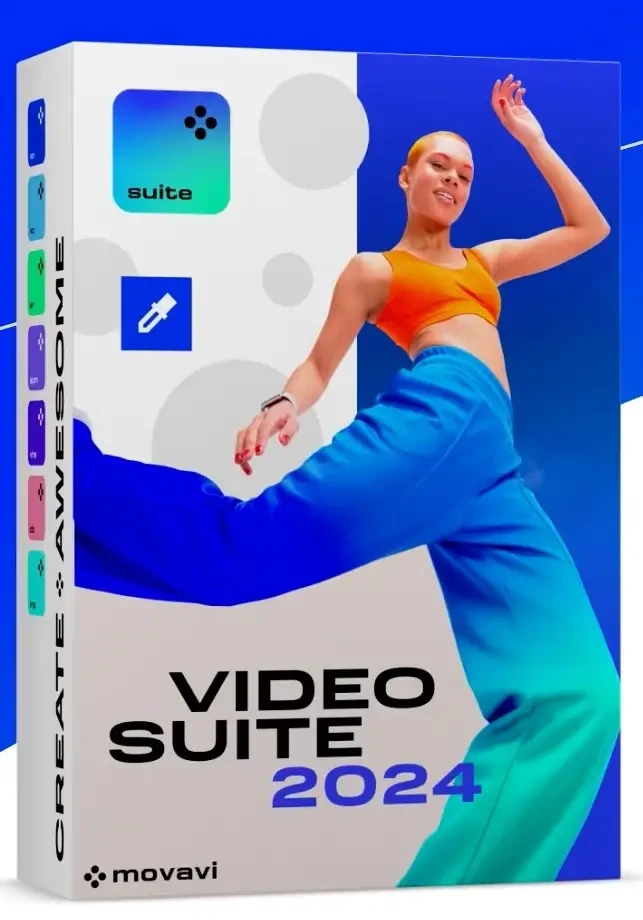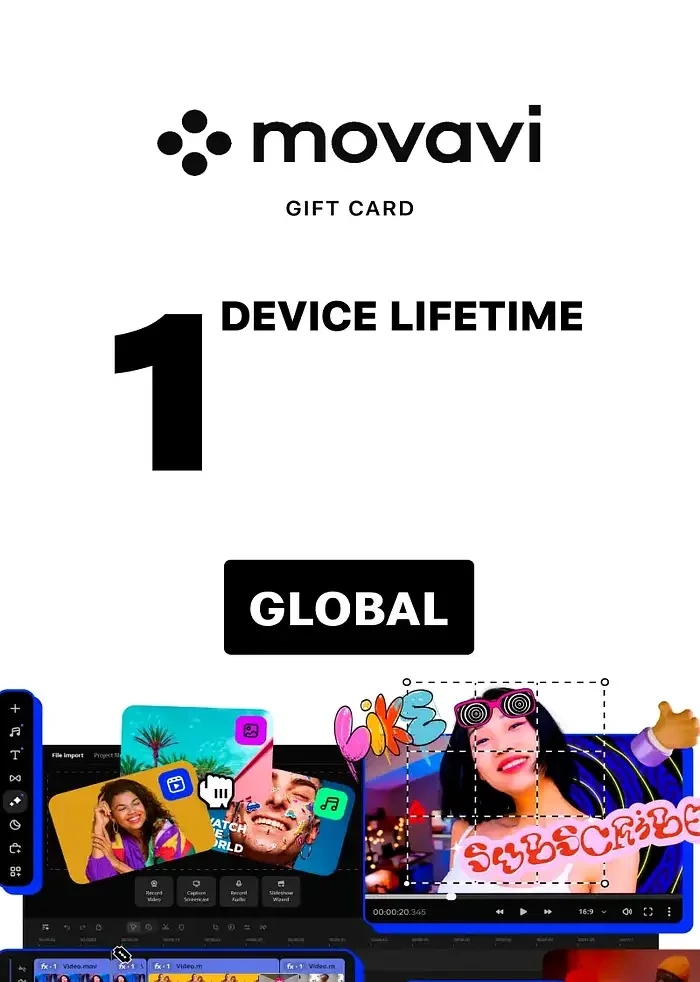
Movavi Video Editor 2025 PC
Region — Global key — no region restriction, activates in every country.
 Can be activated in United States
Buy Movavi Video Editor 2025
Сreate epic videos in a snap: thrilling gameplay highlights for your gaming channel, short clips for socials, captivating trailers for your next big stream, compelling videos for your business, touching family movies for your loved ones, and more. What’s new Create automatic subtitles in one click Let AI quickly turn your speech into text and automatically create captions for your videos in almost any language. Just choose the font, text color, position – and you’re all set! Hover to preview anything Picking titles, transitions, and filters has never been easier! Simply hover your mouse over any effect to see it in action. You can also view your project files in the same wa Enjoy smoother editing Easily find the exact frame you need by moving your mouse over the video track – no need to click! Drag and drop clips between tracks to piece videos together quickly and precisely. Seamlessly blend videos and photos Overlay your videos, photos, and even frames effortlessly to produce different looks. Create stylish vlogs, cinematic highlight reels, or vibrant clips in just a couple of clicks. Edit faster with cutting-edge tech We’ve improved Fast Track HD acceleration and added native support for AV1 codec and ARM-based processors (M1, M2, and other M-series chips). Even if this is like a foreign language to you, all you need to know is that our Video Editor is now faster and smoother than ever before – that’s all that matters. Other improvements and fixed issues We’ve enhanced the program with a more streamlined design, making it easier and more enjoyable to use. The improved layout, better organization of key features, and visual enhancements ensure faster access to essential tools for creating videos and slideshows. Highlights Enjoy fast and smooth video creation Movavi Video Editor offers a great balance between powerful features and ease of use. Dive into effortless editing with all the tools you need right at hand.…
How to activate Movavi Video Editor 2025 on Steam
- 01
Buy & receive your code
Complete checkout — your code lands in your inbox in ~30 seconds, and is always available under Orders in your Gameplug account.
- 02
Open Steam
In the desktop client: top-left menu "Games" → "Activate a Product on Steam…" (or use the web link below).
- 03
Enter your key
Paste the key (format XXXXX-XXXXX-XXXXX) and accept the Steam Subscriber Agreement.
- 04
Install & play
The game joins your library permanently — install it on any machine you sign in to.
Code not working? Contact support — confirmed-invalid codes are replaced or refunded.
Movavi Video Editor 2025 system requirements
All sellers
What our customers say
You might also like