Movavi Photo Editor for Mac 5 Key (1 Mac)
Region — Works worldwide — no region restriction.
 Can be activated in United States
Buy Movavi Photo Editor for Mac 5 Key (1 Mac)
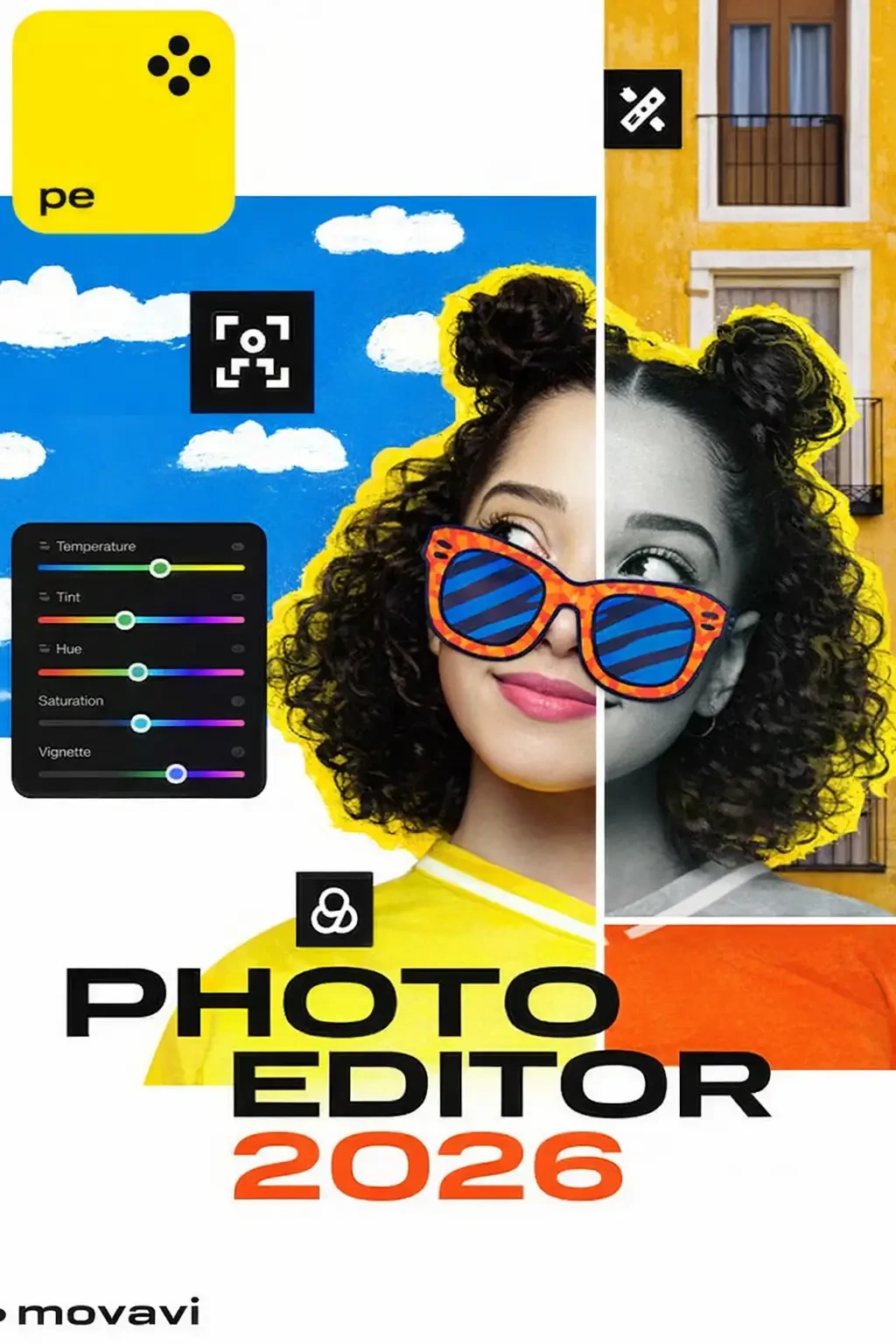
Looking for a quick and easy way to touch up photos in Windows? Photo Editor from Movavi is great for both first-time and experienced users. The application has everything you need for trouble-free image processing – from basic tools to advanced functions. This image editor deals with all the complicated technical stuff, so all you need to do is press a button for instant enhancements. Features RetouchingRemove blemishes, smooth out wrinkles, get rid of shine, and correct red-eye effect. Crop, Rotate, ResizeImprove composition, straighten the horizon, shrink images for the web. Color CorrectionMake your colors more vivid while keeping skin tones healthy-looking. MakeupAirbrush digital eyeshadow, mascara, and lipstick onto your portraits. InsertingCombine images and image elements to make collages. Noise ReductionUse presets to reduce visual noise in low-light photos. ReshapingSlim down faces and silhouettes, sculpt noses, enlarge eyes. SharingPublish photos on Facebook directly from the program. What's new: Fix color balance automatically with the advanced Magic Enhance or adjust the values manually until you’re satisfied with the resultRestore natural lighting in photos with the White Balance Color PickerRescue blurred images with the Sharpness control and move the new Details slider to bring out texturesApply Denoise filters to remove the graininess from low-light photosChange image backgrounds in 3 simple steps.…
How to activate Movavi Photo Editor for Mac 5 Key (1 Mac)
- 01
Buy & receive your code
Complete checkout — your code lands in your inbox in ~30 seconds, and is always available under Orders in your Gameplug account.
- 02
Download & install
Get the installer from the official Movavi Photo Editor for Mac 5 Key website.
- 03
Activate with your key
Open the activation/license screen and paste your key to unlock the full version.
Code not working? Contact support — confirmed-invalid codes are replaced or refunded.
Movavi Photo Editor for Mac 5 Key (1 Mac) system requirements
All sellers
What our customers say
You might also like