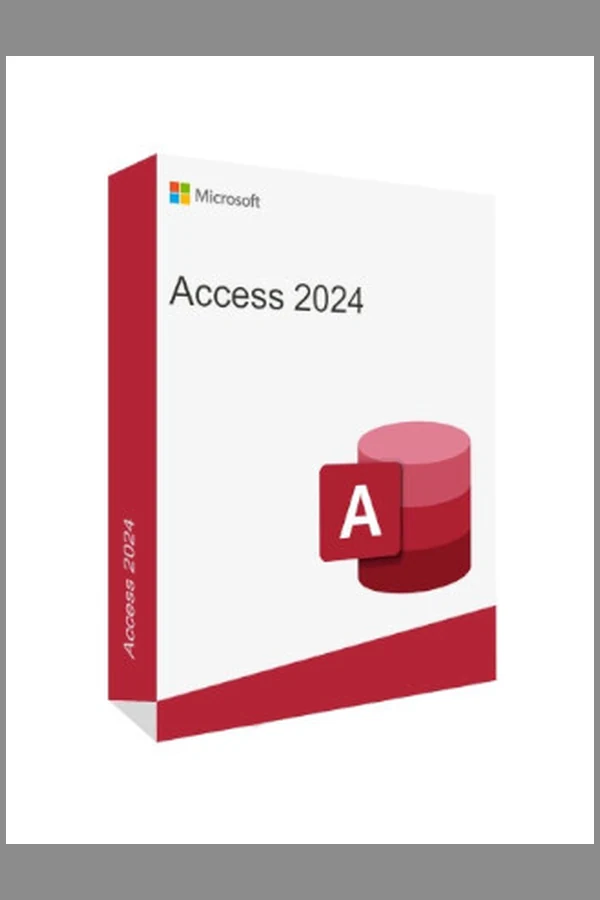
Microsoft Access 2024 (PC) - Microsoft Key - GLOBAL
Region — Works worldwide — no region restriction.
 Can be activated in United States
Buy Microsoft Access 2024 (PC) - Microsoft Key -
Microsoft Access 2024 - Build Custom Database Solutions
Microsoft Access 2024 empowers you to create and manage custom database applications for your business or personal needs. This standalone version, activated with a Microsoft Key, provides a robust platform for organizing, analyzing, and reporting on your data.
Key Features and Benefits
• Database Design and Development: Design intuitive database applications using a visual design environment. Create tables, forms, reports, and queries without extensive coding.
• Data Management: Efficiently store, organize, and retrieve data. Maintain data integrity through built-in validation rules and relationships.
• Reporting and Analysis: Generate detailed reports and analyze data to gain valuable insights. Use charts, graphs, and summaries to present information effectively.
• Automation: Automate repetitive tasks with macros and VBA (Visual Basic for Applications) scripting, improving efficiency and reducing errors.
• Integration: Seamlessly integrate with other Microsoft Office applications, such as Excel and SharePoint, for data sharing and collaboration.
• Templates: Start quickly with a wide selection of pre-built database templates for common applications, such as contact management, inventory tracking, and project management.
• Enhanced Security: Protect your data with robust security features, including password protection and user permissions.
Product Details
• Platform: Microsoft Store
• Region: Global - This key can be activated worldwide.
• License Type: Microsoft Key - Permanent license for one PC.
System Requirements
Please refer to the official Microsoft website for the latest system requirements for Microsoft Access 2024.
Activation Instructions
• Download the Microsoft Access 2024 installation file from the Microsoft Store.
• Follow the on-screen instructions to install the software.
• Activate the product using the provided Microsoft Key.
Why Choose Microsoft Access 2024?…
How to activate Microsoft Access 2024 (PC) - Microsoft Key - on Microsoft / Xbox
- 01
Buy & receive your code
Complete checkout — your code lands in your inbox in ~30 seconds, and is always available under Orders in your Gameplug account.
- 02
Open redeem.microsoft.com
Sign in with the Microsoft account you game with (or on console: Store → "Redeem").
- 03
Enter the 25-character code
Codes look like XXXXX-XXXXX-XXXXX-XXXXX-XXXXX. Confirm, and the product/credit is applied.
- 04
Play anywhere
Games and Game Pass apply across Xbox console and Windows under the same account.
Code not working? Contact support — confirmed-invalid codes are replaced or refunded.
All sellers
What our customers say
You might also like