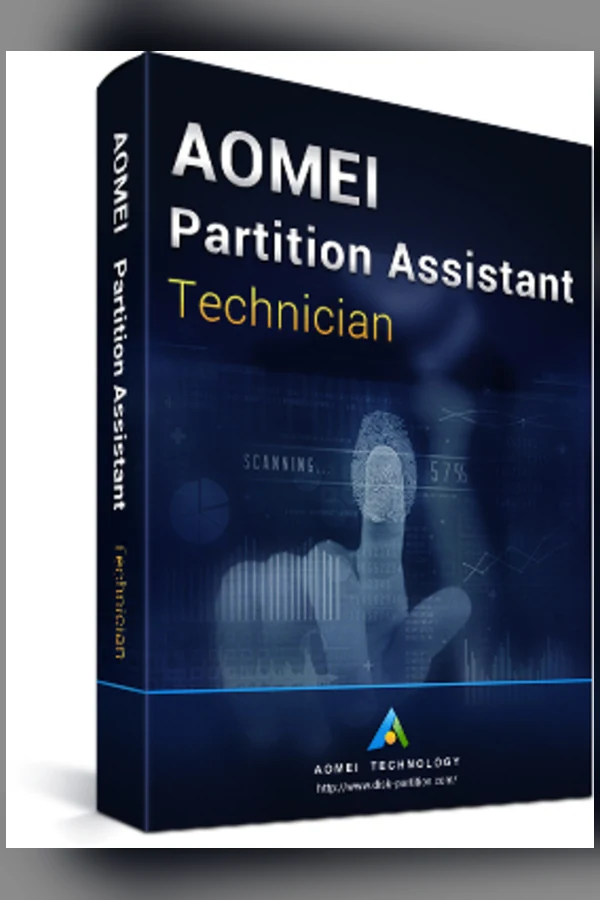
AOMEI Partition Assistant - Technician Edition 8.5 - Old Version for Windows - Global
Region — Works worldwide — no region restriction.
 Can be activated in United States
Buy AOMEI Partition Assistant - Technician Edition 8.5 - Old Version for Windows - Global
AOMEI Partition Assistant Technician Edition 8.5 (Old Version)
This product offers the AOMEI Partition Assistant Technician Edition, version 8.5, for Windows operating systems. This is an older version and may not include the latest features and improvements found in newer releases. Purchasing this version grants a perpetual license for commercial use, allowing technicians to deploy and utilize the software across multiple client machines. Consider this version if you require specific functionalities present in 8.5 or are working within a restricted environment. For the latest features and enhancements, please explore newer versions of AOMEI Partition Assistant.
Key Features:
• Comprehensive Partition Management: Resize, move, merge, split, create, delete, and format partitions without data loss (with precautions).
• OS Migration: Transfer your operating system to a new hard drive (HDD) or solid-state drive (SSD) without reinstalling Windows and applications.
• Disk Cloning: Create an exact replica of a hard drive to another drive. Useful for backups or upgrading to a larger drive.
• Data Recovery: Recover lost or deleted partitions and data. (Success rate depends on the extent of data loss and subsequent drive usage.)
• GPT/MBR Conversion: Convert disks between GUID Partition Table (GPT) and Master Boot Record (MBR) partition styles without data loss.
• Command-Line Support: Automate tasks using command-line operations for efficient and scripted management.
• Dynamic Disk Management: Manage dynamic disks and volumes with flexibility.
• Bootable Media Creation: Create bootable CDs, DVDs, or USB drives to manage partitions even when the operating system is unavailable.
Technician Edition Advantages:
• Commercial Use: Licensed for use in commercial settings, allowing service providers and technicians to utilize the software for client systems.…
How to activate AOMEI Partition Assistant - Technician Edition 8.5 - Old Version for Windows - Global
- 01
Buy & receive your code
Complete checkout — your code lands in your inbox in ~30 seconds, and is always available under Orders in your Gameplug account.
- 02
Download & install
Get the installer from the official AOMEI Partition Assistant website.
- 03
Activate with your key
Open the activation/license screen and paste your key to unlock the full version.
Code not working? Contact support — confirmed-invalid codes are replaced or refunded.
All sellers
What our customers say
You might also like