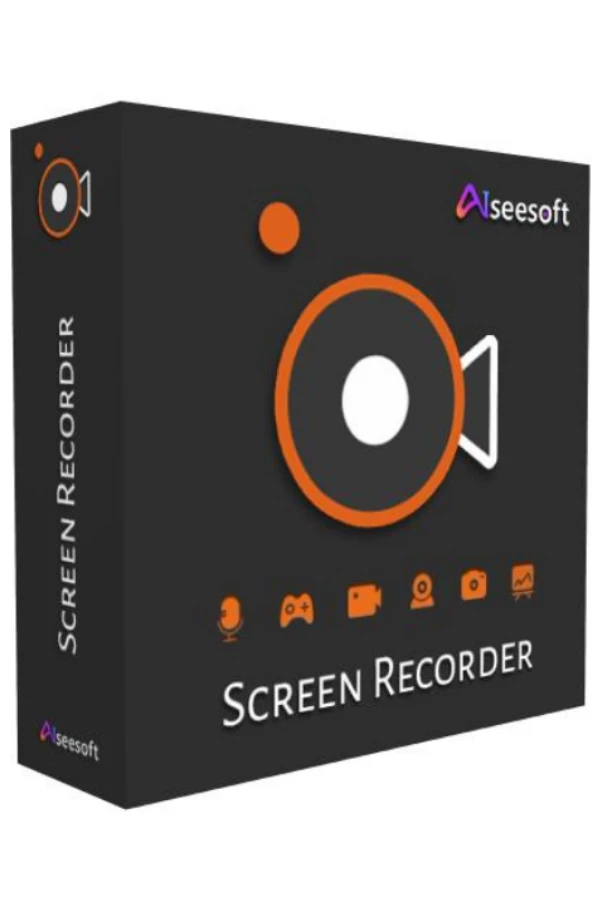
Aiseesoft Screen Recorder Key (1 Year / 1 PC)
Region — Works worldwide — no region restriction.
 Can be activated in United States
Buy Aiseesoft Screen Recorder Key (1 Year / 1 PC)
Get the easiest but professional way to record your screen and take snapshots here. Aiseesoft Screen Recorder is the best screen recording software to capture any activity on Mac or Windows computer. It can work as a good video game recorder, video call capture, and more to capture any area of your screen. While screen recording, you can edit video/snapshot and draw new labels to output file. Features Record screen videoAs powerful screen recording software, Aiseesoft Screen Recorder enables you to record any screen video with ease. You can use it to capture videos, games, webinars, lectures, presentations, video calls, conference, webcam videos, etc. in full screen or customized screen size.While capturing screen, you can highlight the cursor movement to make it easier to track. Moreover, the "Blue-light" real-time HD video encoding technology can guarantee you excellent image and sound quality. Lock window capture feature allows you to keep recording activity on a certain window. So that the screen recording won't bother other operations. The captured video will be saved in MP4, WMV, MOV, AVI, GIF, TS, etc. for easily playback and sharing. Record your voice from microphoneAiseesoft Screen Recorder can record the internal audio of your computer only. This function enables you to record any sound in MP3, WMA, AAC, M4A, FLAC, OGG, and OPUS for easy playback.Before recording, you are allowed to do a test audio recording to record from speaker and microphone for better experience.Record microphone voice: Choose microphone audio and turn off system audio to add oral explanation to your video presentation. Capture Your Gameplay with No Quality LossAiseesoft Screen Recorder is lightweight but intuitive game recording software for gamers. Its simple controls help users capture the most impressive moments of the gameplay and share them with peers across the world. This dedicated game recorder also allows users to record their game sound and microphone simultaneously.…
How to activate Aiseesoft Screen Recorder Key (1 Year / 1 PC)
- 01
Buy & receive your code
Complete checkout — your code lands in your inbox in ~30 seconds, and is always available under Orders in your Gameplug account.
- 02
Download & install
Get the installer from the official Aiseesoft Screen Recorder Key website.
- 03
Activate with your key
Open the activation/license screen and paste your key to unlock the full version.
Code not working? Contact support — confirmed-invalid codes are replaced or refunded.
Aiseesoft Screen Recorder Key (1 Year / 1 PC) system requirements
All sellers
What our customers say
You might also like