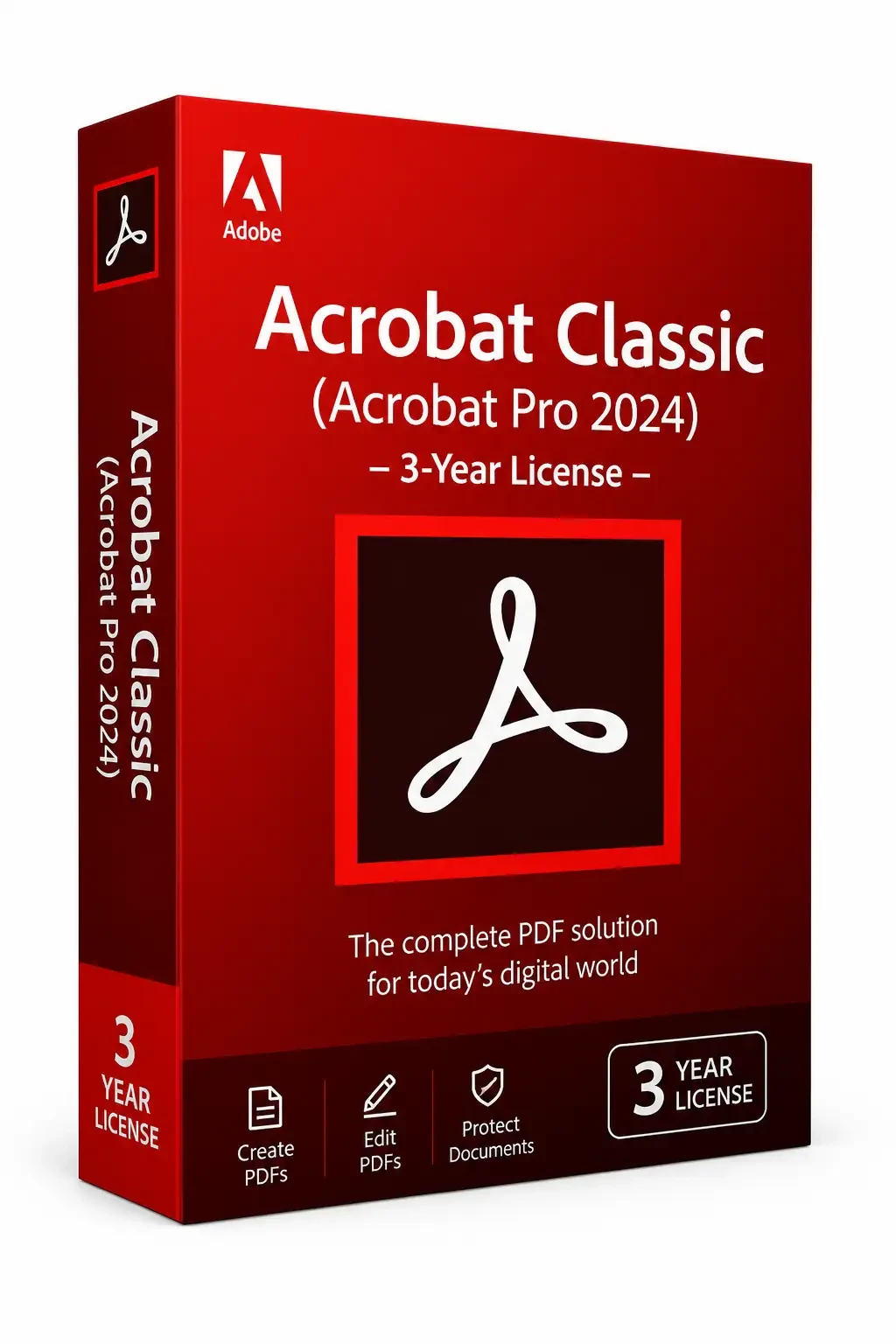
Adobe Acrobat Pro 2020 for Windows EU
Region — Works worldwide — no region restriction.
 Can be activated in United States
Buy Adobe Acrobat Pro 2020 for Windows
Acrobat 2020 is the latest perpetual desktop version of Acrobat. It simplifies everyday PDF tasks and includes many productivity enhancements when working with PDFs from your desktop. New Home view The new Home view helps you stay organized and productive - it's a single place for you to organize, manage, and search for all your PDFs. Recent Files list: Displays your recent files opened for viewing from your computer, Document Cloud storage, or third-party storage like OneDrive, Dropbox, Box, and SharePoint. Recommended tools: Helps you discover top Acrobat tools like Edit PDF, Create PDF, Combine PDFs, and more. Search box: Lets you search all your Document Cloud files and the files sent or received for viewing, reviewing, or signing. Context pane: Helps you take actions on files across all Home view with context-sensitive menus, and check the status of participants and history of activities for shared documents. View MIP-protected PDFs in Acrobat 2020 and Reader 2020 Now you can use Adobe Acrobat 2020 and Acrobat Reader 2020 Windows and Mac desktop applications to open files protected with MIP (Microsoft Information Protection) solutions including Azure Information Protection (AIP) and Information Protection using Office 365.Acrobat 2020 and Acrobat Reader 2020 auto-detect a MIP-protected file and prompts you to download the corresponding plug-in from the plug-in download page. Once you download and install the plug-in, the protected files open like any other PDF in Acrobat or Reader. Color customization capability in the Fill & Sign tool You can now choose your desired color to fill the PDF form and sign it using the Fill and Sign tool in Acrobat 2020. To change the color, click the Color button in the Fill & Sign toolbar. Run OCR on scanned documents with live text With Acrobat 2020, you can run OCR on a scanned PDF that contains images with live text on them. Open the scanned PDF in Acrobat 2020. Go to Tools > Enhance Scan > Recognizable Text > In This File.…
How to activate Adobe Acrobat Pro 2020 for Windows
- 01
Buy & receive your code
Complete checkout — your code lands in your inbox in ~30 seconds, and is always available under Orders in your Gameplug account.
- 02
Download & install
Get the installer from the official Adobe Acrobat Pro 2020 for Windows EU website.
- 03
Activate with your key
Open the activation/license screen and paste your key to unlock the full version.
Code not working? Contact support — confirmed-invalid codes are replaced or refunded.
Adobe Acrobat Pro 2020 for Windows system requirements
All sellers
What our customers say
You might also like