

VR Walking Simulator
Region — Global key — no region restriction, activates in every country.
 Can be activated in United States
At a glance
- Region
- GlobalCheck region restrictions
- Platform
- PC
- Format
- Digital keyGenuine & region-checked
- Delivery
- Instant deliveryEmailed in ~30 seconds
- Works on
Windows
Buy VR Walking Simulator key
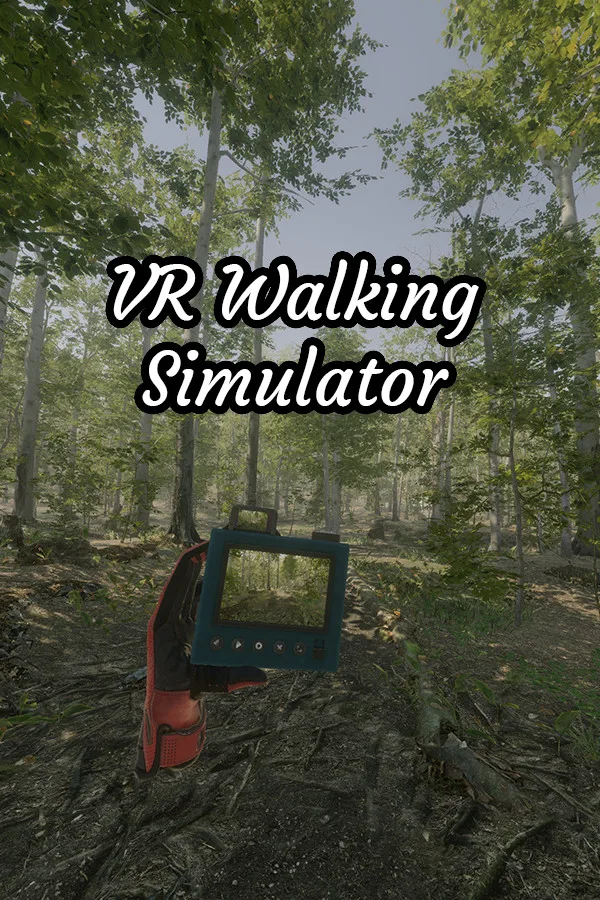
EXPLOREVR Walking Simulator lets you explore numerous realistic natural environments from the comfort of your room. The game supports SteamVR fully, so customize it to your liking. Play sitting, standing, or walk around. There are also multitude of extensive graphics options so that you can get the most out of rig. TAKE PICTURES!If you see something particularly nice, use your handheld polaroid camera to take a picture and use it as your desktop wallpaper. The camera can take pictures with as much resolution as you want! After taking pictures, go back to your base and make a collage. Then take a picture of the collage and share it with your friends. DIFFERENT MAPSThe game currently features more than 9 fully realized locations to explore, each with their own unique atmosphere and looks. Explore this beautiful forest featuring trees, birds, waterfalls, and a lake. When you are bored of the regular forest, go into an alien land and see plants that you can literally cannot see in real life. Climb the giant mushrooms, and enjoy the purple sky. After you are done with aliens, explore places on earth that are hard to get, like this nordic mountain lake. Walk through the tundra vegetation without the cold or the thin air bothering you. Take a break from nature and explore this deserted town. See what's inside the buildings, and try to make sense of the UFOs flying over. Spooky. As reality gets too bleak, enter this fantasy land. Find out what fabled heroes left behind and look at ancient ruins. Enjoy all the intense colors! Once ready get back to nature and trek alongside this mountain river. Take a short break next to the waterfall and look at pretty rocks. If you want the dense feel of a rainforest, this map is for you. Feel overwhelmed as the sun tries desperately to reach the ground below through dense trees and flies go abound. Fortunately you are safe from the bugs and the humidity from behind your VR headset.…
How to activate VR Walking Simulator on Steam
- 01
Buy & receive your code
Complete checkout — your code lands in your inbox in ~30 seconds, and is always available under Orders in your Gameplug account.
- 02
Open Steam
In the Steam app: "+ Add a Game" (bottom left) → "Activate a Product on Steam..." (or use the web link below).
- 03
Enter your key
Paste the key (format XXXXX-XXXXX-XXXXX) and accept the Steam Subscriber Agreement.
- 04
Install & play
The game joins your library permanently — install it on any machine you sign in to.
Code not working? Contact support — confirmed-invalid codes are replaced or refunded.







