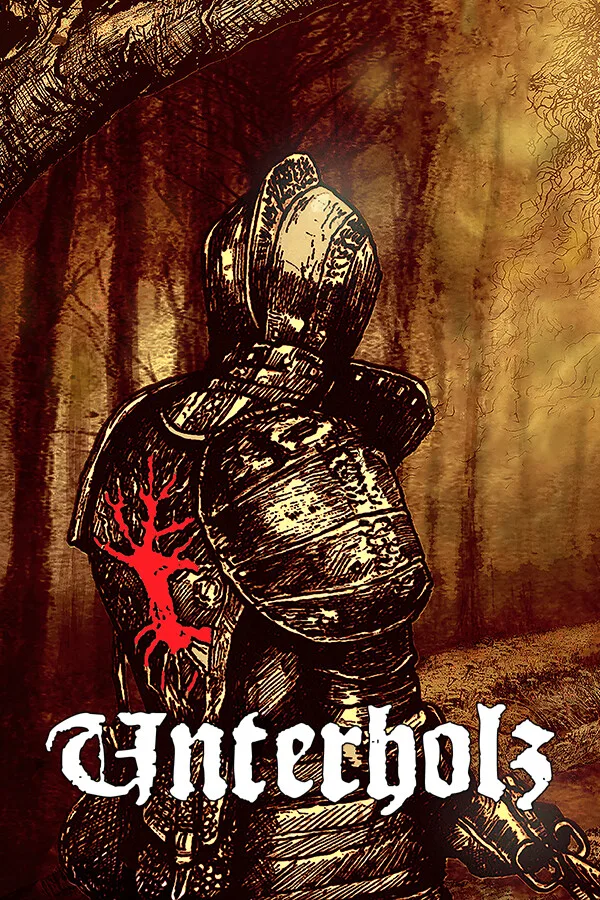
Unterholz PC
Region — Global key — no region restriction, activates in every country.
 Can be activated in United States
At a glance
- Region
- GlobalCheck region restrictions
- Platform
- PC
- Format
- Digital keyGenuine & region-checked
- Delivery
- Instant deliveryEmailed in ~30 seconds
- Works on
Windows
Screenshots & trailer
Buy Unterholz key
Game + Soundtrack Bundle available now! All Along The Moss-Clad Copse Taking place near the end of the 15th century in medieval Pomerania, Unterholz invites players to an alternate version of our own reality. Explore the murky corners and abandoned ruins of an isolated enclave in the middle of a dark swamp. Unveil the truth behind the disappearance of its doomed denizens on a psychological journey through the underbrush of not only this sinister setting but your very own soul. At Your Own Pace Unterholz is designed as a short, atmospheric experience with several sword combat situations and a few puzzles. The goal is to find out what happened in this forsaken copse, its lost inhabitants and to reach the root of it all. For the most part the mystery is explained via environmental storytelling. Players can explore the game fairly non-linear at their own pace while experiencing a compact semi-open world. The story unfolds naturally along players' progress in the game world. Atmosphere and Immersion A mix of diegetic and traditional interfaces combined with seamless gameplay allow for a greater sense of immersion throughout the experience. Traversing the game world, checking your inventory or reading a text will not be interrupted by menus or loading screens. Carefully designed and placed sounds and music specifically composed to evoke certain moods will accompany your hike through the woods. Attention to Detail I created this game over the course of roughly two years working on it in my spare time in Unreal Engine 4. Making the game world as believable and detailed as possible was a main focus during the development. There are a few documents you can find in the game which are designed to work as actual medieval texts within the area of Pomerania during the middle ages where the game takes place.…
How to activate Unterholz on Steam
- 01
Buy & receive your code
Complete checkout — your code lands in your inbox in ~30 seconds, and is always available under Orders in your Gameplug account.
- 02
Open Steam
In the Steam app: "+ Add a Game" (bottom left) → "Activate a Product on Steam..." (or use the web link below).
- 03
Enter your key
Paste the key (format XXXXX-XXXXX-XXXXX) and accept the Steam Subscriber Agreement.
- 04
Install & play
The game joins your library permanently — install it on any machine you sign in to.
Code not working? Contact support — confirmed-invalid codes are replaced or refunded.