

 Europe
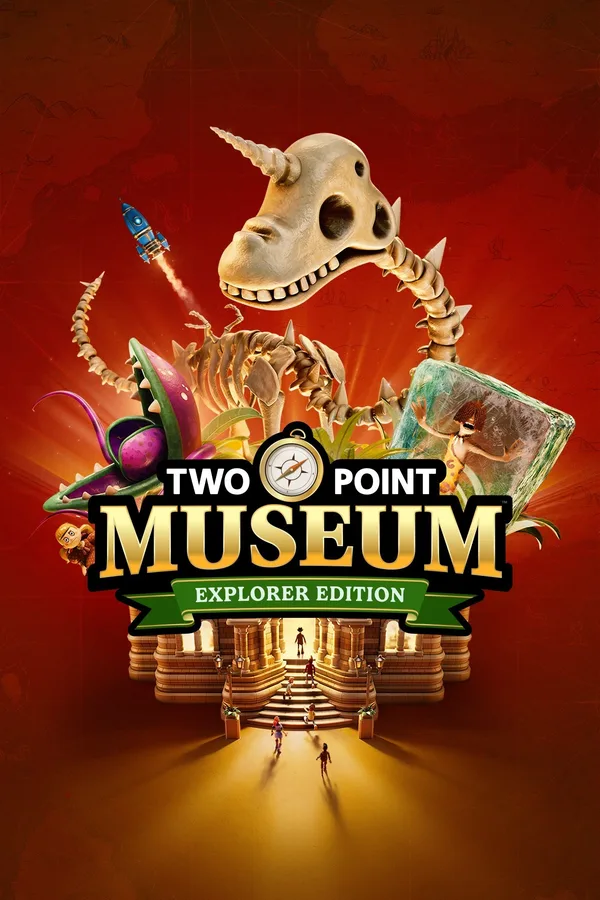
Two Point Museum | Explorer Edition (PC) - Steam Key - Europe Restricted
EuropeRegion — Activates across Europe (EU / EEA countries).
 Cannot be activated in United States
At a glance
- Region
- EuropeCheck region restrictions
- Platform
- PC
- Format
- Digital keyGenuine & region-checked
- Delivery
- Instant deliveryEmailed in ~30 seconds
- Works on
Windows
Buy Two Point Museum | Explorer Edition (PC) - Steam Key - Europe Restricted key
Two Point Museum | Explorer Edition (PC) - Steam Key Embark on a journey into museum management with Two Point Museum | Explorer Edition . This PC title, delivered as a Steam Key, provides access to the core game experience and additional content for players within the EU-RESTRICTED region. Developed by Two Point Studios, known for their management simulation games, this installment tasks players with constructing, operating, and expanding a variety of museum types. Core Gameplay Mechanics: Construction and Layout: Design the physical structure of your museum, including exhibition halls, staff rooms, amenities, and visitor services. Placement of exhibits and facilities directly impacts visitor flow and satisfaction. Exhibition Management: Curate diverse collections across various themes, from ancient history to modern art and natural wonders. Each exhibit has unique requirements for display and maintenance. Staffing: Hire and manage a diverse workforce, including curators, janitors, security guards, and assistants. Staff training and well-being are crucial for operational efficiency. Visitor Management: Monitor visitor happiness, provide essential services like food stalls and restrooms, and manage crowd control. Satisfied visitors contribute to higher revenue and reputation. Research and Development: Invest in research to unlock new exhibits, technologies, and staff abilities, allowing for continuous expansion and improvement of your museum. Explorer Edition Content: The Explorer Edition includes the base game along with several added items designed to enhance the initial gameplay experience: Exclusive Items: Access unique in-game decorative items and utilities not found in the standard edition, allowing for greater customization and functionality within your museum. Bonus Scenarios: Engage with additional challenge scenarios and levels, providing new objectives and requiring different strategic approaches to management.…
How to activate Two Point Museum | Explorer Edition (PC) - Steam Key - Europe Restricted on Steam
- 01
Buy & receive your code
Complete checkout — your code lands in your inbox in ~30 seconds, and is always available under Orders in your Gameplug account.
- 02
Open Steam
In the Steam app: "+ Add a Game" (bottom left) → "Activate a Product on Steam..." (or use the web link below).
- 03
Enter your key
Paste the key (format XXXXX-XXXXX-XXXXX) and accept the Steam Subscriber Agreement.
- 04
Install & play
The game joins your library permanently — install it on any machine you sign in to.
Code not working? Contact support — confirmed-invalid codes are replaced or refunded.
All sellers
Europe500 in stock






