Twine3D
Region — Global key — no region restriction, activates in every country.
 Can be activated in United States
At a glance
- Region
- GlobalCheck region restrictions
- Platform
- PC
- Format
- Digital keyGenuine & region-checked
- Delivery
- Instant deliveryEmailed in ~30 seconds
- Works on
Windows
Buy Twine3D key
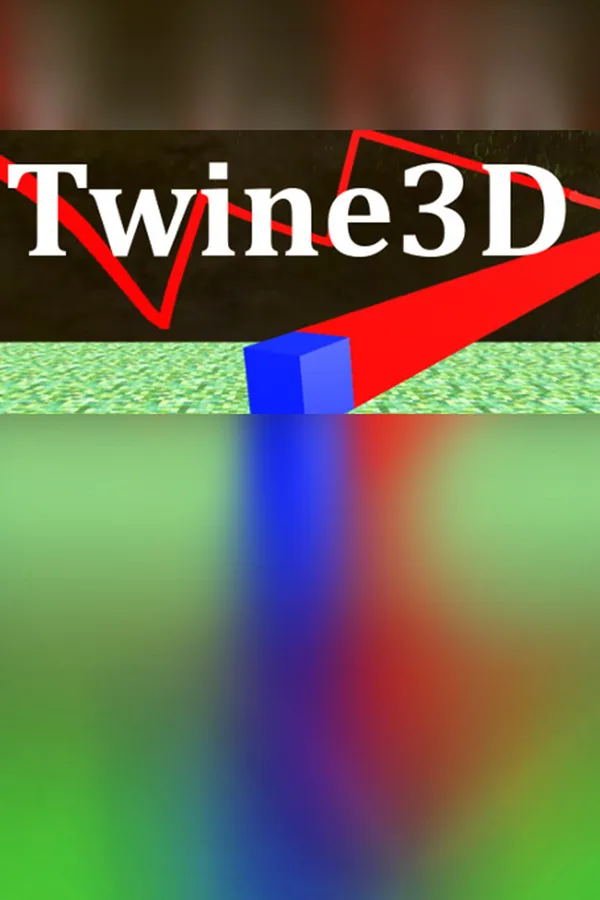
Twine3D is a third person view control path craft game. Control: Move forward:default keyboard button w; Move back:default keyboard button s; Move left:default keyboard button a; Move right:default keyboard button d; Move up:default keyboard button space; Move down:default keyboard button q; Long click mouse left button to rotate the camera; Long click mouse right button to rotate the player cube; Two Game Mode:Creative and Chase. Game Mode Creative:free to move.Player can save the scene as a Twine3D file, and load a Twine3D file to create the scene. Game Mode Chase:control the player cube to chase the AICube.Dodge the AICube path and walls,twine the AICube until win.
How to activate Twine3D on Steam
- 01
Buy & receive your code
Complete checkout — your code lands in your inbox in ~30 seconds, and is always available under Orders in your Gameplug account.
- 02
Open Steam
In the Steam app: "+ Add a Game" (bottom left) → "Activate a Product on Steam..." (or use the web link below).
- 03
Enter your key
Paste the key (format XXXXX-XXXXX-XXXXX) and accept the Steam Subscriber Agreement.
- 04
Install & play
The game joins your library permanently — install it on any machine you sign in to.
Code not working? Contact support — confirmed-invalid codes are replaced or refunded.