

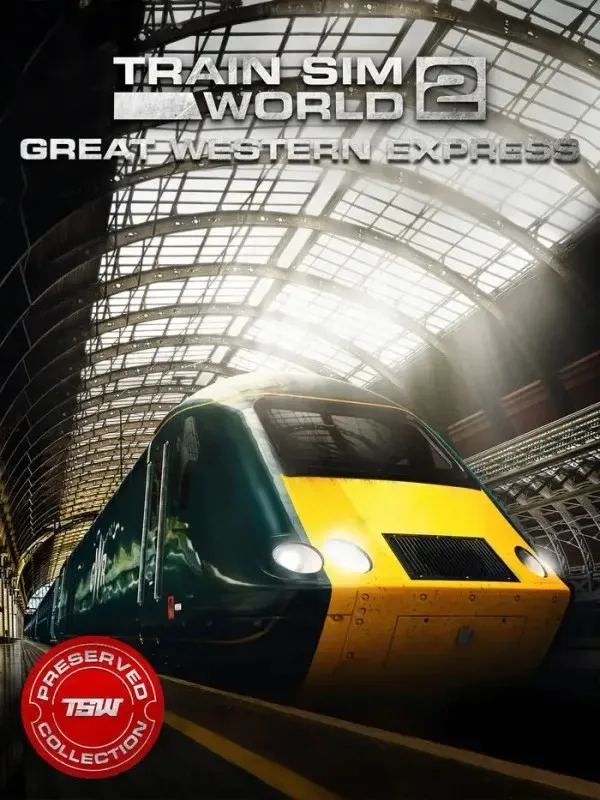
Train Sim World 2: Great Western Express Route (PC) - Steam Key - GLOBAL
Region — Global key — no region restriction, activates in every country.
 Can be activated in United States
At a glance
- Region
- GlobalCheck region restrictions
- Platform
- PC
- Format
- Digital keyGenuine & region-checked
- Delivery
- Instant deliveryEmailed in ~30 seconds
- Works on
Windows
Buy Train Sim World 2: Great Western Express Route (PC) - Steam Key - key
Train Sim World 2: Great Western Express Route - Steam Key
Experience the Golden Age of British Rail!
Embark on a nostalgic journey through the picturesque English countryside with the Train Sim World 2: Great Western Express Route. This add-on for Train Sim World 2 allows you to operate high-speed passenger and heavy freight services on one of Britain's busiest and most iconic railway lines.
Key Features: Authentic Route: Recreated with meticulous detail, the Great Western Express route stretches from London Paddington to Reading, covering approximately 36 miles (58km) of mainline track. Experience realistic scenery, stations, and infrastructure. Iconic Locomotives: Take control of the legendary Class 43 HST (High-Speed Train) in its distinctive InterCity 125 livery. Master the powerful acceleration and braking of this classic locomotive. You will also master the Class 66 locomotive. Detailed Simulations: Experience the realism of Train Sim World 2 with fully interactive cabs, authentic sounds recorded from the real locomotives, and advanced physics-based simulation. Comprehensive Scenarios: A variety of engaging scenarios are included, ranging from express passenger runs to challenging freight operations. Test your skills and learn the intricacies of operating these trains. Timetable Mode: Experience a full 24-hour timetable with a variety of AI-controlled trains, providing a dynamic and immersive railroading experience. Livery Designer & Scenario Planner Compatible: Unleash your creativity! Customize your locomotives with the Livery Designer and create your own scenarios with the Scenario Planner (both sold separately).
Included Locomotives: BR Class 43 HST (High Speed Train) in InterCity 125 Livery BR Class 66 in Freightliner Livery
Minimum System Requirements: Refer to the Train Sim World 2 base game requirements on Steam. This route requires Train Sim World 2 to play.…
How to activate Train Sim World 2: Great Western Express Route (PC) - Steam Key - on Steam
- 01
Buy & receive your code
Complete checkout — your code lands in your inbox in ~30 seconds, and is always available under Orders in your Gameplug account.
- 02
Open Steam
In the Steam app: "+ Add a Game" (bottom left) → "Activate a Product on Steam..." (or use the web link below).
- 03
Enter your key
Paste the key (format XXXXX-XXXXX-XXXXX) and accept the Steam Subscriber Agreement.
- 04
Install & play
The game joins your library permanently — install it on any machine you sign in to.
Code not working? Contact support — confirmed-invalid codes are replaced or refunded.







