

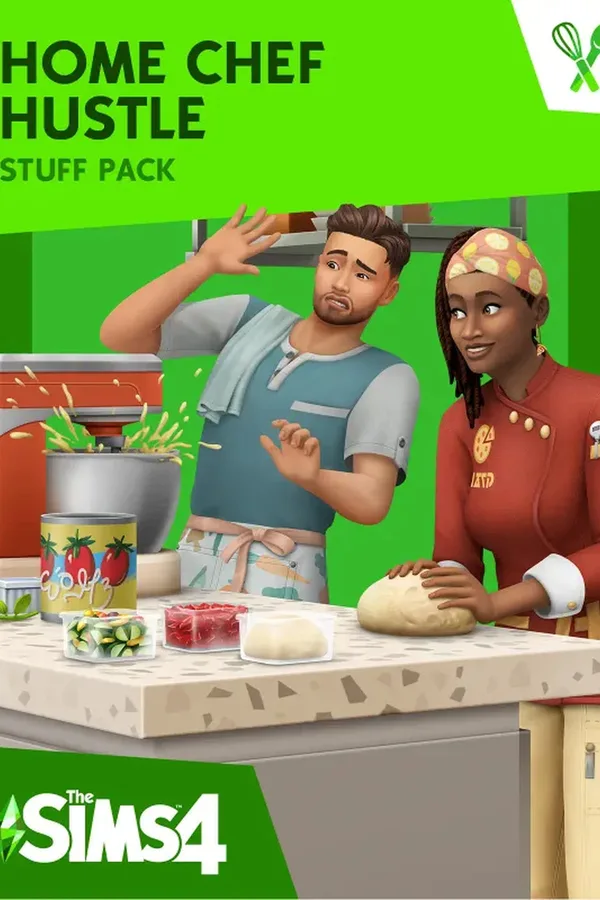
The Sims 4 Home Chef Hustle - EA Launcher - Global
Region — Global key — no region restriction, activates in every country.
 Can be activated in United States
At a glance
- Region
- GlobalCheck region restrictions
- Platform
- PC
- Format
- Digital keyGenuine & region-checked
- Delivery
- Instant deliveryEmailed in ~30 seconds
- Works on
Windows
Buy The Sims 4 Home Chef Hustle - EA Launcher - Global key
The Sims 4 Home Chef Hustle - EA Launcher - Global
Game Overview Expand your Sims' culinary horizons with The Sims 4 Home Chef Hustle , a downloadable content (DLC) pack for The Sims 4, available globally through the EA Launcher. This pack adds a new career path, recipes, and objects focused on creating a thriving culinary business from home.
Key Features: New Career: Become a successful Home Chef, progressing through various stages from amateur cook to renowned culinary expert. Manage orders, improve your skills, and build your reputation. Extensive Recipe Collection: Learn and create a wide variety of dishes, expanding your Sim's cooking repertoire with new recipes and ingredients. Customizable Home Kitchen: Equip your Sim's kitchen with new appliances, counters, and decor to enhance their cooking experience and create a professional home-based kitchen. Improved Cooking Mechanics: Experience enhanced cooking gameplay with improved interactions and animation detailing the cooking process. Global Compatibility: This DLC is compatible with all versions of The Sims 4 globally and can be downloaded and installed via the EA Launcher.
System Requirements: Please refer to the EA website for the most up-to-date system requirements. Minimum specifications may vary depending on your desired gameplay experience.
What's Included: The Sims 4 Home Chef Hustle DLC pack Access to all new career, recipes, objects, and gameplay mechanics described above.
Important Notes: Requires The Sims 4 base game to play (sold separately). Download and installation are via the EA Launcher. This is a digital download; no physical product will be shipped.
Get Cooking Today! Enhance your Sims 4 experience and unleash your Sim's inner chef with The Sims 4 Home Chef Hustle. Download now via the EA Launcher.
How to activate The Sims 4 Home Chef Hustle - EA Launcher - Global
- 01
Buy & receive your code
Complete checkout — your code lands in your inbox in ~30 seconds, and is always available under Orders in your Gameplug account.
- 02
Open PC
Launch PC and find "Activate a product" / "Redeem code" in the account or store menu.
- 03
Enter your key
Paste the key — the product is added to your library instantly.
Code not working? Contact support — confirmed-invalid codes are replaced or refunded.







