

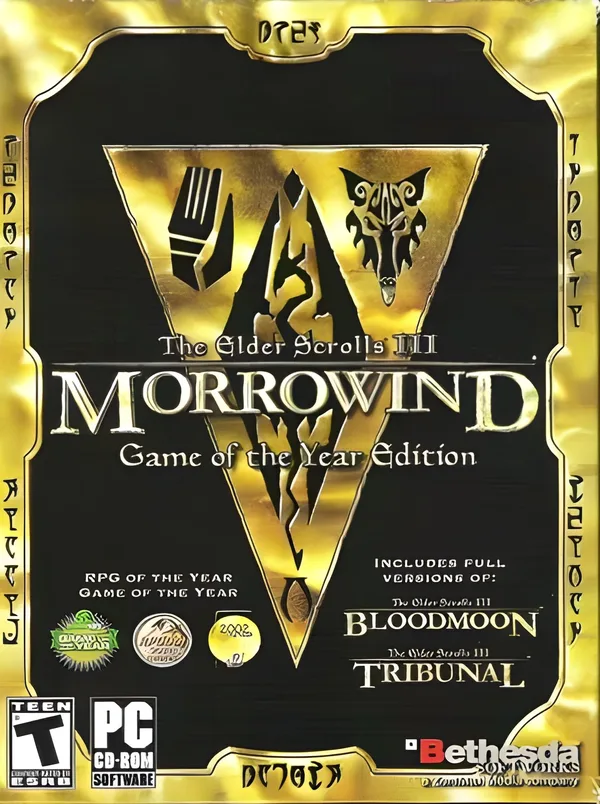
The Elder Scrolls III: Morrowind GOTY Edition Steam GLOBAL
Region — Activates worldwide EXCEPT in countries that have their own dedicated regional edition.
 Can be activated in United States
At a glance
- Region
- Rest of WorldCheck region restrictions
- Platform
- PC
- Format
- Digital keyGenuine & region-checked
- Delivery
- Instant deliveryEmailed in ~30 seconds
- Works on
Windows
Buy The Elder Scrolls III: Morrowind GOTY Edition Steam key
The Elder Scrolls III: Morrowind GOTY Edition (PC) - Steam Key - LATAM / CIS / Asia Product Overview The Elder Scrolls III: Morrowind GOTY Edition delivers the complete original game along with its two official expansions, *Tribunal* and *Bloodmoon*. This edition provides access to the full scope of content released for Morrowind, playable on PC via Steam. The provided key is region-locked to LATAM, CIS, and Asia territories. Key Features Base Game: Access to *The Elder Scrolls III: Morrowind*, an open-world role-playing game set on the island of Vvardenfell. Players can explore a diverse land, engage in character progression, and follow multiple questlines. Expansion 1: Tribunal: Integrates the city of Mournhold into the game world, offering new areas, quests, and adversaries. This expansion continues the main storyline from the base game. Expansion 2: Bloodmoon: Introduces the snowy island of Solstheim, featuring new creatures, characters, and a werewolf transformation mechanic. This expansion adds a distinct environment and narrative arc. Character Customization: Players can create a character from various races, define skills, and choose a birthsign, influencing gameplay and available abilities. Open World Exploration: Vvardenfell and its expansion areas are open for exploration without loading screens between major zones. Travel methods include walking, fast travel services, and specific magical transport. Skill-Based Progression: Character skills improve through use. Skill levels influence the effectiveness of actions and determine eligibility for certain quests and factions. Modding Support: The game engine is compatible with community-created modifications, allowing for further customization and content additions (unofficial support). Technical Specifications Platform: PC (Steam) Activation: Steam Key Region: LATAM / CIS / Asia (Region Locked)
How to activate The Elder Scrolls III: Morrowind GOTY Edition Steam on Steam
- 01
Buy & receive your code
Complete checkout — your code lands in your inbox in ~30 seconds, and is always available under Orders in your Gameplug account.
- 02
Open Steam
In the Steam app: "+ Add a Game" (bottom left) → "Activate a Product on Steam..." (or use the web link below).
- 03
Enter your key
Paste the key (format XXXXX-XXXXX-XXXXX) and accept the Steam Subscriber Agreement.
- 04
Install & play
The game joins your library permanently — install it on any machine you sign in to.
Code not working? Contact support — confirmed-invalid codes are replaced or refunded.







