

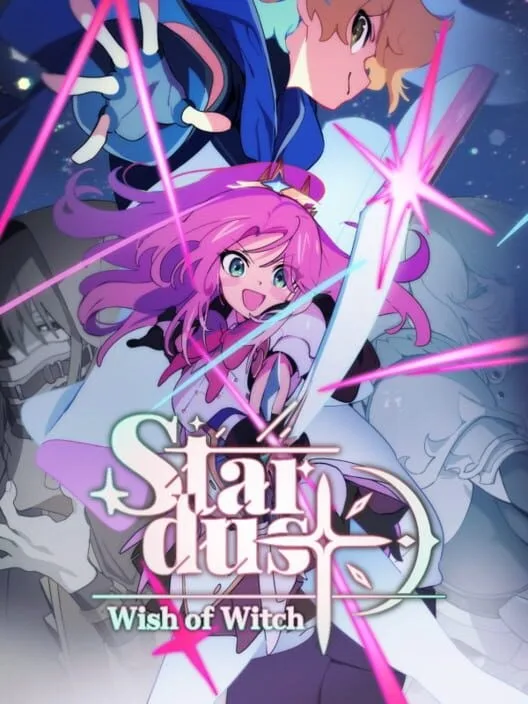
Stardust: Wish of Witch (PC) - Steam Key - Global
Region — Global key — no region restriction, activates in every country.
 Can be activated in United States
At a glance
- Region
- GlobalCheck region restrictions
- Platform
- PC
- Format
- Digital keyGenuine & region-checked
- Delivery
- Instant deliveryEmailed in ~30 seconds
- Works on
Windows
Buy Stardust: Wish of Witch (PC) - Steam Key - Global key
Stardust: Wish of Witch - PC (Steam Key - Global)
Product Overview Stardust: Wish of Witch is a 2D action platformer developed by One More Gate and published by One More Gate. The game is available as a digital key for the Steam platform, with global activation. Players control Witch, traversing various environments and engaging in combat.
Key Features 2D Action Platforming: Navigate side-scrolling levels, utilizing platforming mechanics to overcome obstacles and reach new areas. Combat System: Engage enemies using a combination of melee and magical attacks. The combat system incorporates a "Starfall" mechanic. Starfall Mechanic: During combat, collecting "Stardust" charges the "Starfall" ability. When activated, "Starfall" allows Witch to unleash a powerful attack that damages multiple enemies within a specific radius. Character Progression: As players advance, Witch gains new abilities and can enhance existing ones. This includes unlocking new combat moves and improving mobility options. Diverse Environments: Explore a range of distinct areas, each featuring unique visual designs and environmental challenges. Boss Encounters: Confront a series of unique boss characters at the end of key levels. Each boss features specific attack patterns and requires strategic approaches to defeat. Narrative Elements: The game includes a story that unfolds as Witch progresses through the world and encounters various characters.
Technical Specifications (Minimum Requirements - Subject to Change) Operating System: Windows 7/8/10 (64-bit) Processor: Intel Core i3-2100 or AMD equivalent Memory: 4 GB RAM Graphics: NVIDIA GeForce GTX 650 or AMD Radeon HD 7750 DirectX: Version 11 Storage: 2 GB available space Note: Specific hardware requirements may vary. Refer to the official Steam product page for the most up-to-date information.
How to activate Stardust: Wish of Witch (PC) - Steam Key - Global on Steam
- 01
Buy & receive your code
Complete checkout — your code lands in your inbox in ~30 seconds, and is always available under Orders in your Gameplug account.
- 02
Open Steam
In the Steam app: "+ Add a Game" (bottom left) → "Activate a Product on Steam..." (or use the web link below).
- 03
Enter your key
Paste the key (format XXXXX-XXXXX-XXXXX) and accept the Steam Subscriber Agreement.
- 04
Install & play
The game joins your library permanently — install it on any machine you sign in to.
Code not working? Contact support — confirmed-invalid codes are replaced or refunded.







