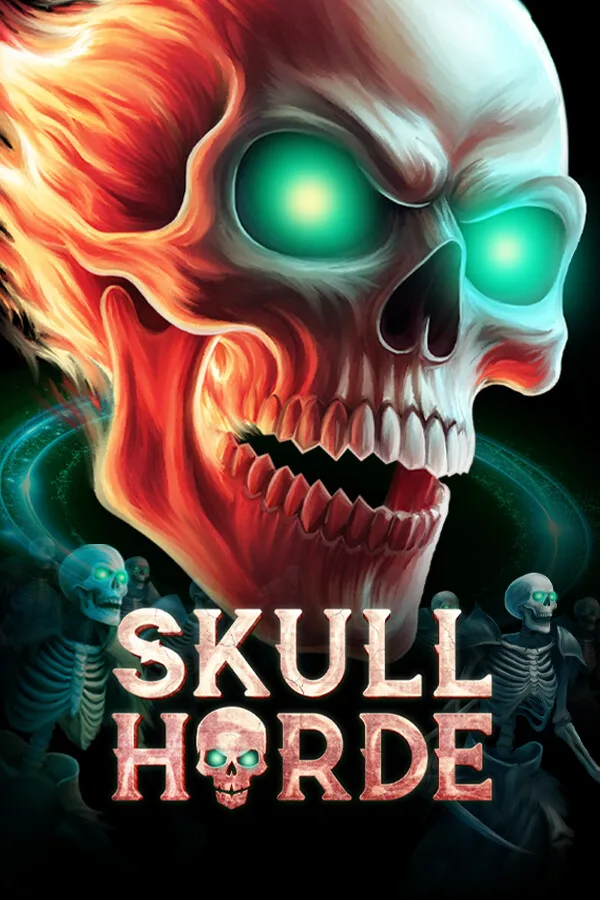
Skull Horde PC
Region — Global key — no region restriction, activates in every country.
 Can be activated in United States
At a glance
- Region
- GlobalCheck region restrictions
- Platform
- PC
- Format
- Digital keyGenuine & region-checked
- Delivery
- Instant deliveryEmailed in ~30 seconds
- Works on
Windows
Screenshots & trailer
Buy Skull Horde key
In Skull Horde you play as a flying skull necromancer raising an army of skeletons in a battle against an endless tide of evil flesh. Explore procedurally generated dungeons while collecting loot and building your squad.
Explore different procedurally generated dungeons, each with unique enemy types demanding varied strategies. The dungeons are filled with chests and shrines with powerful loot and boons to collect, but you must keep moving to avoid being overwhelmed.
You can purchase a variety of unit types to build your squad throughout each run. Every unit has different special abilities, so you can create a horde with strong synergies. Buying multiple units of the same type merges them into stronger versions, until they eventually unlock a unique special ability. Loot found in the dungeon interacts with unit classes and tags to produce powerful benefits. Use resources to strategically reroll units and loot to craft the exact build you are looking for.
This game is realtime, and your minions do battle independently. Your role is to develop your squad, choose where to explore, when to move on, and pick the correct upgrades.
As you progress, you will unlock powerful perks that you can select at the beginning of a run. Combine your chosen perks with the strengths of the different playable characters to create the foundation for a powerful build.
Each dungeon type comes with a set of unique challenges to complete. These challenges will demand different strategies to succeed, and reward you with new unlocks and content.
Procedurally generated dungeons
Realtime auto battling
Multiple levels with unique enemy types
Different playable characters with unique special abilities
Varied unit types which can be merged to gain stronger versions and unique abilities
Lots of powerful loot
Powerful perks
Challenges which require creative builds to overcome
How to activate Skull Horde on Steam
- 01
Buy & receive your code
Complete checkout — your code lands in your inbox in ~30 seconds, and is always available under Orders in your Gameplug account.
- 02
Open Steam
In the Steam app: "+ Add a Game" (bottom left) → "Activate a Product on Steam..." (or use the web link below).
- 03
Enter your key
Paste the key (format XXXXX-XXXXX-XXXXX) and accept the Steam Subscriber Agreement.
- 04
Install & play
The game joins your library permanently — install it on any machine you sign in to.
Code not working? Contact support — confirmed-invalid codes are replaced or refunded.