Six Ages 2: Lights Going Out
Region — Global key — no region restriction, activates in every country.
 Can be activated in United States
At a glance
- Region
- GlobalCheck region restrictions
- Platform
- PC
- Format
- Digital keyGenuine & region-checked
- Delivery
- Instant deliveryEmailed in ~30 seconds
- Works on
Windows
Buy Six Ages 2: Lights Going Out key
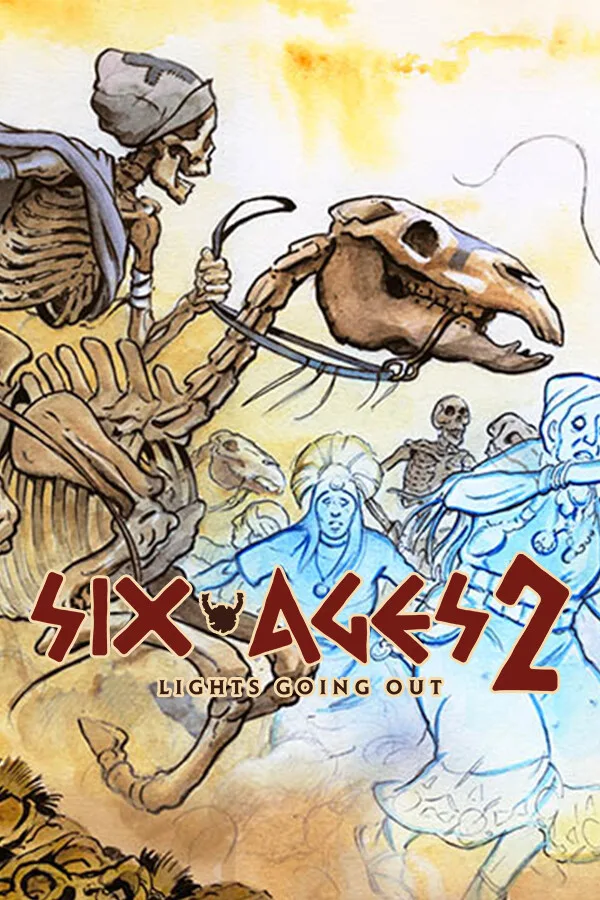
Life after myths. Death, disaster, despair. This new instalment in the Six Ages series is a stand-alone survival-storybook combining interactive fiction and turn-based strategy. The world is ending, and your small clan’s survival depends on how you manage its relationship with the remaining gods and their followers. Play as the only Storm people who also ride, a hybrid culture in the Gloranthan end times. Managing your clan is complex, but may require you to: explore the wilderness trade with (or raid!) your neighbors settle disputes mundane, spiritual, or political improve livestock pastures make offerings build altars travel to the Otherworld Whether you’re dealing with angry ghosts or clan policy, there’s rarely one “right” or “wrong” answer, because the deep simulation will make your particular situation unique. Remember that your choices have socio-economic impact, and your advisors often squabble amongst themselves, but some consequences might not be obvious for decades. Your clan struggles to survive in the world of Glorantha, one of the richest, oldest game settings ever created, perhaps familiar from other games such as RuneQuest or King of Dragon Pass. This bronze age world is facing an existential crisis as it undergoes a transformation. Ten generations after the events of Ride Like the Wind, some gods have already perished and humanity itself seems to be on the brink of annihilation. Here, the laws of physics themselves are subordinate to the whims of the gods and spirits. In Lights Going Out, you can continue a game you began in Six Ages: Ride Like the Wind, or start a new story in this Great Darkness. Six Ages 2: Lights Going Out is immensely replayable, with over 600(!) interactive scenes with multiple, system-driven outcomes. Short episodes and automatic saving mean you can play even when you only have a minute or two.…
How to activate Six Ages 2: Lights Going Out on Steam
- 01
Buy & receive your code
Complete checkout — your code lands in your inbox in ~30 seconds, and is always available under Orders in your Gameplug account.
- 02
Open Steam
In the Steam app: "+ Add a Game" (bottom left) → "Activate a Product on Steam..." (or use the web link below).
- 03
Enter your key
Paste the key (format XXXXX-XXXXX-XXXXX) and accept the Steam Subscriber Agreement.
- 04
Install & play
The game joins your library permanently — install it on any machine you sign in to.
Code not working? Contact support — confirmed-invalid codes are replaced or refunded.