

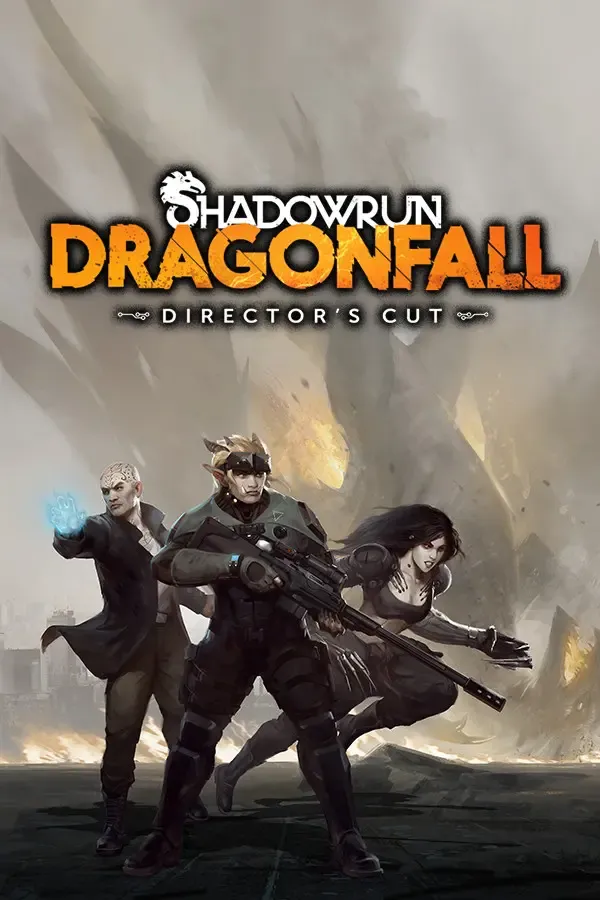
Shadowrun: Dragonfall Director's Cut Steam Gift
Region — Global key — no region restriction, activates in every country.
 Can be activated in United States
At a glance
- Region
- GlobalCheck region restrictions
- Platform
- PC
- Format
- Digital keyGenuine & region-checked
- Delivery
- Instant deliveryEmailed in ~30 seconds
- Works on
Windows
Buy Shadowrun: Dragonfall Director's Cut Steam Gift key
Shadowrun: Dragonfall Director's Cut GOG CD Key Platform: GOG.com Release Date: 27/02/2014 Product Description Shadowrun: Dragonfall - Director’s Cut is a standalone release of Harebrained Schemes' critically-acclaimed Dragonfall campaign, which first premiered as a major expansion for Shadowrun Returns. The Director's Cut adds a host of new content and enhancements to the original game: 5 all-new missions, alternate endings, new music, a redesigned interface, team customization options, a revamped combat system, and more - making it the definitive version of this one-of-a-kind cyberpunk RPG experience. New in the Director’s Cut Standalone: Due to popular demand, Dragonfall is now a completely standalone title! Five All-New Missions: The Director’s Cut features five all-new original missions, including three related directly to the personal stories of your team members. These missions take you to previously-unseen locales - both within the Flux State and beyond - where you’ll have to face challenging enemies and make tough choices in order to help your team members prevail. Revamped Combat System: The Dragonfall combat system has received a major overhaul. An all-new armor system adds another tactical layer to the experience, while refined cover and damage mechanics emphasize the importance of battlefield positioning. Complementing these improvements is an upgraded AI system which reacts more intelligently and accurately to your actions. Redesigned Interface: The Dragonfall in-game interface has also been rebuilt. Spells, items and abilities are now much easier to access, while improved combat feedback allows you to fully understand the tactical situation in any given encounter. Customize Your Team: Guide your team members as they progress in each of their unique roles, choosing between different focus options to grant them new items and abilities.…
How to activate Shadowrun: Dragonfall Director's Cut Steam Gift on Steam Wallet
- 01
Buy & receive your code
Complete checkout — your code lands in your inbox in ~30 seconds, and is always available under Orders in your Gameplug account.
- 02
Open the redemption page
Sign in to Steam in a browser and open "Redeem a Steam Gift Card or Wallet Code" (the button below).
- 03
Enter the code
Enter it under "Steam Wallet Code" and select Continue — the funds appear in your Steam Wallet.
- 04
Check the currency
Pick a code in your Steam Wallet's currency: Steam can refuse a code in another currency.
Steam Wallet codes are tied to a currency — match the code currency to your Steam Wallet currency.
Code not working? Contact support — confirmed-invalid codes are replaced or refunded.
Shadowrun: Dragonfall Director's Cut Steam Gift reviews & ratings
All sellers
 Europe5 in stock







