

RPG Stories
Region — Global key — no region restriction, activates in every country.
 Can be activated in United States
At a glance
- Region
- GlobalCheck region restrictions
- Platform
- PC
- Format
- Digital keyGenuine & region-checked
- Delivery
- Instant deliveryEmailed in ~30 seconds
- Works on
Windows
Screenshots & trailer
Buy RPG Stories key
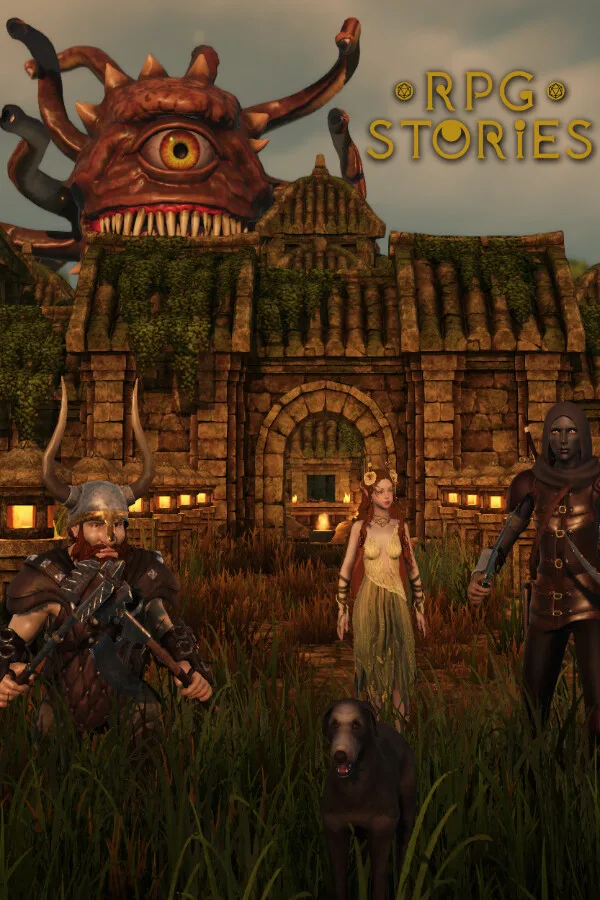
Welcome to RPG Stories, where your creativity knows no bounds! This is the main version of RPG Stories VTT featuring the full version of the World-Builder and the ability to Host or Join Games. About RPG Stories VTTOur 3D World Builder lets you quickly and easily create indoor and outdoor environments for all types of tabletop role-playing games—whether Fantasy, Modern, or Sci-Fi. Once your map is complete, you have two options: Export your maps for use in other VTTs. Play online in RPG Stories VTT with a fully 3D environment and stable multiplayer mode. Craft stunning worlds, design engaging maps, and embark on unforgettable adventures—all with ease and flexibility! BUILD WITHOUT LIMITS -Use auto-building for quick setups or take full control with manual customization—perfect for any skill level. -Choose from over 7,000 3D models spanning Fantasy, Modern, and Sci-Fi settings, giving you everything you need to bring your worlds to life. -Discover hundreds of ready-to-use creations from other users in our Steam Workshop. Procedurally Generated Scenes Auto-Room Builder Mass Placement Tool Multi-Level Building Group Objects & Steam Workshop support Ready Buildings Modular Pieces for Custom Builds 3D Characters & Monsters VFX 2D Images Upload Customizable Grid PLAY LIKE NEVER BEFORE RPG Stories VTT lets you play on your maps online with stable multiplayer support. Current Features: Online World-Builder – Move objects or add new ones in real time, enhancing immersion and maintaining full control over the environment. Vast 3D Dice Panel – Roll any dice set from any TTRPG you can imagine. GM Controls – Customize player experience, movement, and spawn points. 3D Characters – Players can walk around as fully animated 3D models. Hero Forge API – Use your Hero Forge minis as 3D tokens. -RPG Stories VTT users can host as GMs or join as players.…
How to activate RPG Stories on Steam
- 01
Buy & receive your code
Complete checkout — your code lands in your inbox in ~30 seconds, and is always available under Orders in your Gameplug account.
- 02
Open Steam
In the Steam app: "+ Add a Game" (bottom left) → "Activate a Product on Steam..." (or use the web link below).
- 03
Enter your key
Paste the key (format XXXXX-XXXXX-XXXXX) and accept the Steam Subscriber Agreement.
- 04
Install & play
The game joins your library permanently — install it on any machine you sign in to.
Code not working? Contact support — confirmed-invalid codes are replaced or refunded.







