

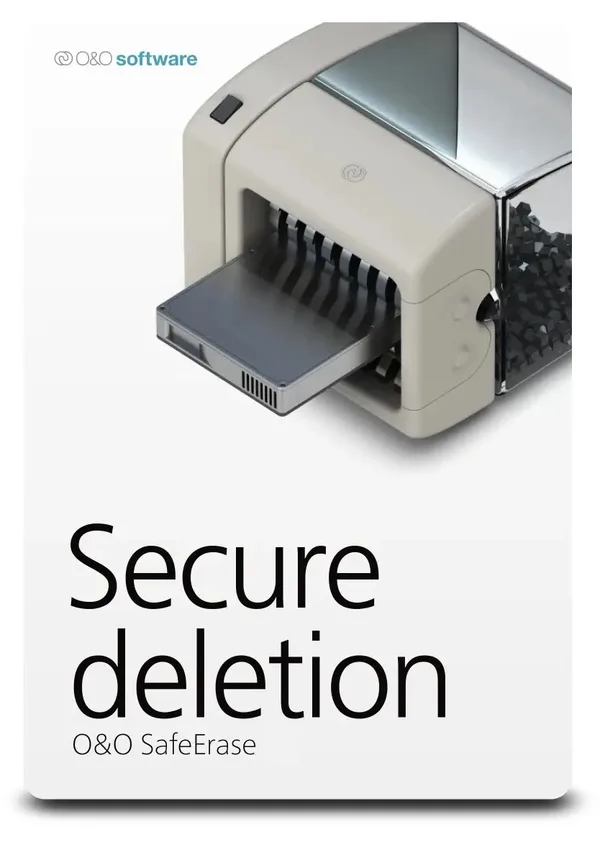
O&O SafeErase Pro 19 - (Lifetime, 1 PC) - Global
Region — Global key — no region restriction, activates in every country.
 Can be activated in United States
At a glance
- Region
- GlobalCheck region restrictions
- Platform
- PC
- Format
- Digital keyGenuine & region-checked
- Delivery
- Instant deliveryEmailed in ~30 seconds
- Works on
Windows
Buy O&O SafeErase Pro 19 - (Lifetime, 1 PC) - Global key
O&O SafeErase Pro 19 - Securely Erase Your Data for Good
Protect your privacy and permanently delete sensitive data with O&O SafeErase Pro 19. This lifetime license for one PC ensures your personal and confidential information is irretrievable, even after formatting or reinstalling your operating system.
Key Features:
Secure Data Erasure: Permanently delete files, folders, partitions, and entire hard drives using recognized and recommended erasure methods. Six Erasure Methods: Choose from a variety of erasure algorithms, including DoD, HMG IS5, Gutmann, and more, to meet your specific security needs. Instant Erase: Quickly and securely delete individual files with a right-click context menu option in Windows Explorer. Internet Security: Thoroughly remove browser data, cookies, temporary files, and history to safeguard your online privacy. Diagnostic Tools: Analyze your system to identify potentially insecurely deleted files and data. Enhanced Reporting: Comprehensive reporting details the erasure process for auditing and compliance purposes. Solid State Drive (SSD) Optimization: Specifically designed to securely erase data from SSDs without impacting their lifespan. Automated Erasure: Schedule recurring erasure tasks to automatically delete temporary files and other sensitive data. Supports Multiple Drives: Erase data from internal and external hard drives, as well as USB storage devices.
Why Choose O&O SafeErase Pro 19?
Data breaches are a growing concern. Simply deleting files or formatting a hard drive isn't enough to protect your sensitive information. O&O SafeErase Pro 19 offers a comprehensive solution for securely erasing data, ensuring it is unrecoverable by even the most sophisticated recovery tools. This protects you from identity theft, financial fraud, and unauthorized access to your personal information.
Benefits:…
How to activate O&O SafeErase Pro 19 - (Lifetime, 1 PC) - Global
- 01
Buy & receive your code
Complete checkout — your code lands in your inbox in ~30 seconds, and is always available under Orders in your Gameplug account.
- 02
Open PC
Launch PC and find "Activate a product" / "Redeem code" in the account or store menu.
- 03
Enter your key
Paste the key — the product is added to your library instantly.
Code not working? Contact support — confirmed-invalid codes are replaced or refunded.







