

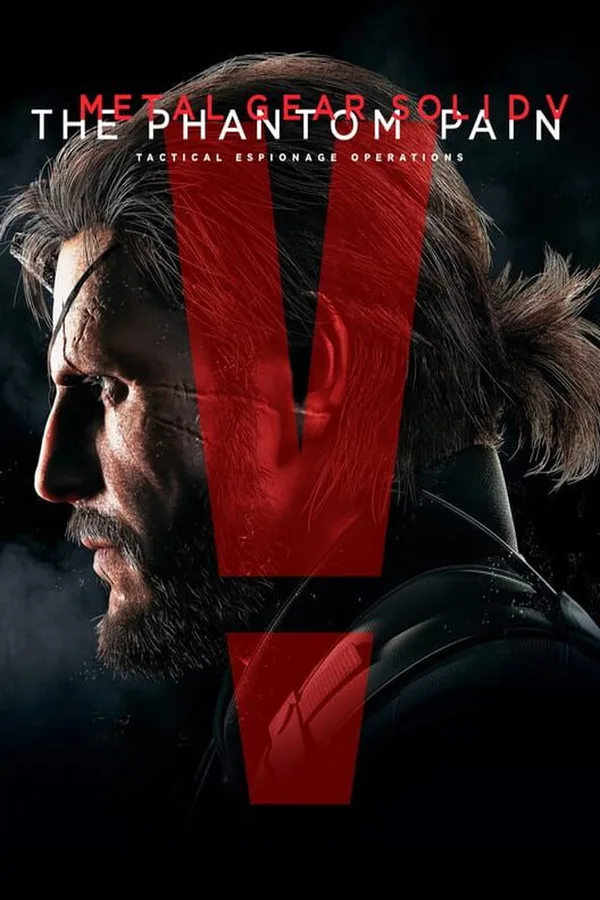
METAL GEAR SOLID V: THE PHANTOM PAIN - Western Tack Steam Key GLOBAL
Region — Global key — no region restriction, activates in every country.
 Can be activated in United States
At a glance
- Region
- GlobalCheck region restrictions
- Platform
- PC
- Format
- Digital keyGenuine & region-checked
- Delivery
- Instant deliveryEmailed in ~30 seconds
- Works on
Windows
Buy METAL GEAR SOLID V: THE PHANTOM PAIN - Western Tack Steam Key key
METAL GEAR SOLID V: THE PHANTOM PAIN - Western Tack Steam Key GLOBAL
Enhance your Metal Gear Solid V: The Phantom Pain experience with the Western Tack DLC, now available as a Steam Key for global redemption. This cosmetic addition provides a touch of the Wild West to your Diamond Dogs operations.
Key Features:
Western Tack Pack: Equips your DD horse with themed gear, offering a unique aesthetic. Customizable Appearance: Change the look of your horse for a distinctive style on the battlefield. Global Key: Redeemable worldwide on Steam. Steam Platform: Seamless integration with your existing Steam library. DLC Content: This is a downloadable content pack and requires the base game METAL GEAR SOLID V: THE PHANTOM PAIN to play.
System Requirements:
Please refer to the base game METAL GEAR SOLID V: THE PHANTOM PAIN Steam page for minimum and recommended system requirements. This DLC does not alter the game's system requirements.
How to Redeem:
Activate on Steam: Log into your Steam client. Redeem your key: Go to Games > Activate a Product on Steam. Enter your key: Follow the on-screen instructions to complete the activation process. Download & Play: Your DLC will be available after downloading, inside the base game.
Important Information: This is a digital product and no physical copy will be shipped. Requires a Steam account and internet connection for activation and gameplay. The Western Tack pack is a cosmetic item and does not affect gameplay mechanics. Ensure that the base game, METAL GEAR SOLID V: THE PHANTOM PAIN , is installed and up to date before activating this DLC.
How to activate METAL GEAR SOLID V: THE PHANTOM PAIN - Western Tack Steam Key on Steam
- 01
Buy & receive your code
Complete checkout — your code lands in your inbox in ~30 seconds, and is always available under Orders in your Gameplug account.
- 02
Open Steam
In the Steam app: "+ Add a Game" (bottom left) → "Activate a Product on Steam..." (or use the web link below).
- 03
Enter your key
Paste the key (format XXXXX-XXXXX-XXXXX) and accept the Steam Subscriber Agreement.
- 04
Install & play
The game joins your library permanently — install it on any machine you sign in to.
Code not working? Contact support — confirmed-invalid codes are replaced or refunded.







