

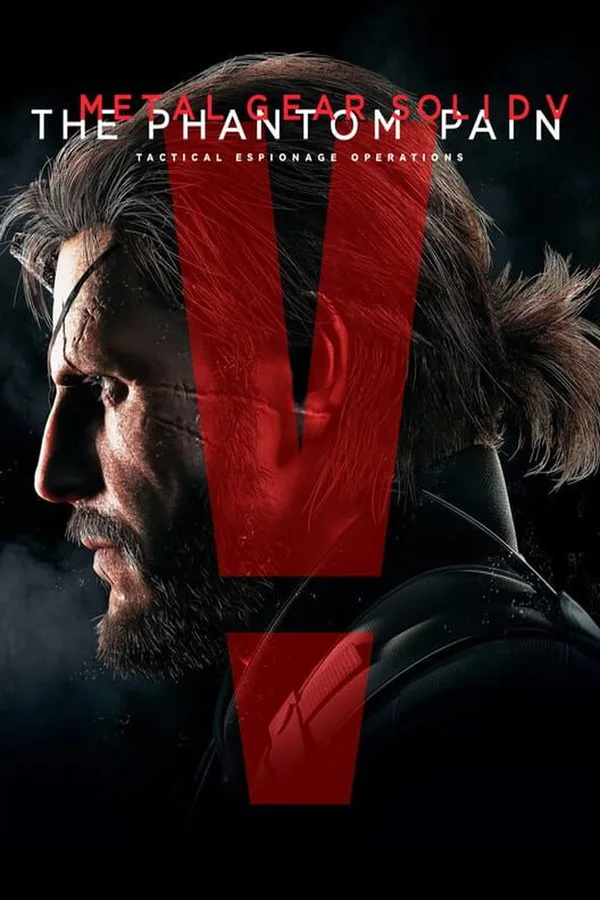
METAL GEAR SOLID V: THE PHANTOM PAIN - Sneaking Suit (Naked Snake) Steam Key GLOBAL
Region — Global key — no region restriction, activates in every country.
 Can be activated in United States
At a glance
- Region
- GlobalCheck region restrictions
- Platform
- PC
- Format
- Digital keyGenuine & region-checked
- Delivery
- Instant deliveryEmailed in ~30 seconds
- Works on
Windows
Buy METAL GEAR SOLID V: THE PHANTOM PAIN - Sneaking Suit (Naked Snake) Steam Key key
METAL GEAR SOLID V: THE PHANTOM PAIN - Sneaking Suit (Naked Snake) Steam Key GLOBAL
Unlock a Classic Look for the Legendary Big Boss
This Steam Key grants you access to the iconic Sneaking Suit (Naked Snake) DLC for METAL GEAR SOLID V: THE PHANTOM PAIN on PC. Relive the retro espionage thrill as you equip Venom Snake with the same tactical attire worn by Naked Snake in the original METAL GEAR SOLID 3: SNAKE EATER . This DLC provides a cosmetic skin, altering Venom Snake's appearance without impacting gameplay stats.
Features: Nostalgic Design: Faithfully recreates the classic Sneaking Suit worn by Naked Snake in METAL GEAR SOLID 3: SNAKE EATER . Cosmetic Item: Changes Venom Snake's appearance in-game. Does not provide gameplay advantages or alter stats. For Use in METAL GEAR SOLID V: THE PHANTOM PAIN : Requires the base game (sold separately) on Steam. GLOBAL Steam Key: This key is redeemable worldwide on the Steam platform.
Important Notes: This is a DLC item and requires the base game METAL GEAR SOLID V: THE PHANTOM PAIN to be used. This DLC is cosmetic and does not affect gameplay mechanics. Redemption instructions will be provided upon purchase.
System Requirements (Base game METAL GEAR SOLID V: THE PHANTOM PAIN ):
Minimum: OS: Windows 7x64, Windows 8x64 (64-bit OS Required) Processor: Intel Core i5-4460 (3.40 GHz) or better; Quad-core or better Memory: 4 GB RAM Graphics: NVIDIA GeForce GTX 650 (2GB) or better (DirectX 11 card Required) DirectX: Version 11 Storage: 28 GB available space Sound Card: DirectX 9.0c compatible sound card
Recommended: OS: Windows 7x64, Windows 8x64 (64-bit OS Required) Processor: Intel Core i7-4790 (3.60GHz) or better; Quad-core or better Memory: 8 GB RAM Graphics: NVIDIA GeForce GTX 760 (DirectX 11 card Required) DirectX: Version 11 Storage: 28 GB available space Sound Card: DirectX 9.0c compatible sound card…
How to activate METAL GEAR SOLID V: THE PHANTOM PAIN - Sneaking Suit (Naked Snake) Steam Key on Steam
- 01
Buy & receive your code
Complete checkout — your code lands in your inbox in ~30 seconds, and is always available under Orders in your Gameplug account.
- 02
Open Steam
In the Steam app: "+ Add a Game" (bottom left) → "Activate a Product on Steam..." (or use the web link below).
- 03
Enter your key
Paste the key (format XXXXX-XXXXX-XXXXX) and accept the Steam Subscriber Agreement.
- 04
Install & play
The game joins your library permanently — install it on any machine you sign in to.
Code not working? Contact support — confirmed-invalid codes are replaced or refunded.







