

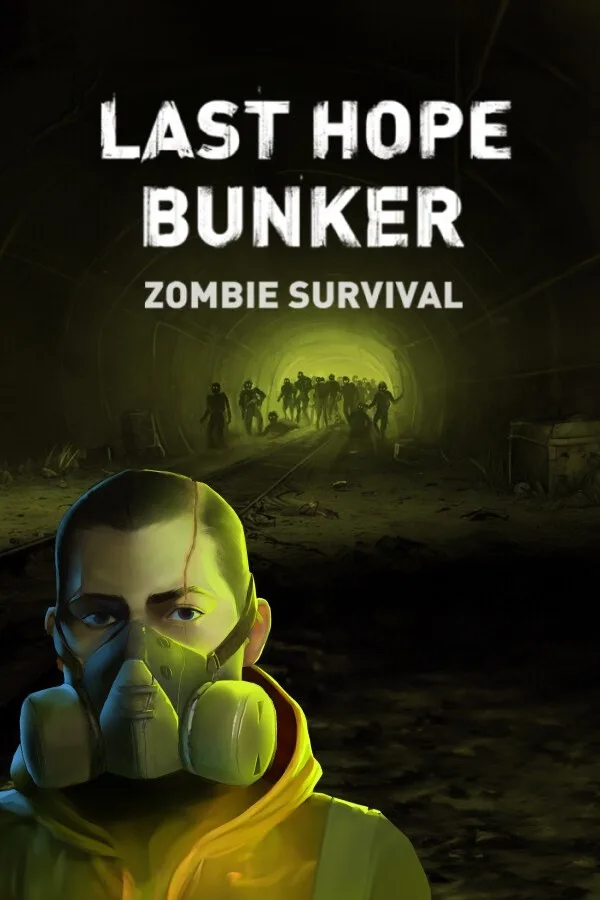
Last Hope Bunker: Zombie Survival (PC) - Steam Key - GLOBAL - Russian Language
Region — Global key — no region restriction, activates in every country.
 Can be activated in United States
At a glance
- Region
- GlobalCheck region restrictions
- Platform
- PC
- Format
- Digital keyGenuine & region-checked
- Delivery
- Instant deliveryEmailed in ~30 seconds
- Works on
Windows
Buy Last Hope Bunker: Zombie Survival (PC) - Steam Key - GLOBAL - Russian Language key
Last Hope Bunker: Zombie Survival - Steam Key (GLOBAL) Fight for survival in Last Hope Bunker: Zombie Survival , a thrilling base-building and strategy game set in a post-apocalyptic world overrun by hordes of the undead. Available now on Steam! Key Features: Strategic Base Building: Construct and fortify your underground bunker, the last bastion of humanity. Manage resources, build defenses, and expand your living quarters to accommodate more survivors. Zombie Horde Defense: Prepare for relentless waves of zombies. Utilize various defensive structures, traps, and weapons to fend off the undead and protect your bunker. Resource Management: Scavenge for essential resources like food, water, and materials. Ration supplies and prioritize the needs of your survivors to maintain morale and efficiency. Survivor Management: Recruit and manage survivors, each with unique skills and abilities. Assign them to different tasks, such as scavenging, construction, or defense. Research and Development: Invest in research to unlock new technologies, upgrade your bunker, and develop more powerful weapons and defenses. Global Region: This Steam key is valid globally. Gameplay Highlights: Dynamic Zombie AI: Experience challenging zombie hordes with varying behaviors and attack patterns. Procedurally Generated Maps: Explore diverse and unpredictable environments each time you play. Deep Progression System: Continuously improve your bunker, upgrade your survivors, and unlock new technologies to survive longer. System Requirements (Minimum): OS: Windows 7 or later Processor: Intel Core i3 or equivalent Memory: 4 GB RAM Graphics: NVIDIA GeForce GTX 660 or equivalent Storage: 5 GB available space What You Will Receive: Upon purchase, you will receive a digital Steam key that can be redeemed on the Steam platform to download and play Last Hope Bunker: Zombie Survival.
How to activate Last Hope Bunker: Zombie Survival (PC) - Steam Key - GLOBAL - Russian Language on Steam
- 01
Buy & receive your code
Complete checkout — your code lands in your inbox in ~30 seconds, and is always available under Orders in your Gameplug account.
- 02
Open Steam
In the Steam app: "+ Add a Game" (bottom left) → "Activate a Product on Steam..." (or use the web link below).
- 03
Enter your key
Paste the key (format XXXXX-XXXXX-XXXXX) and accept the Steam Subscriber Agreement.
- 04
Install & play
The game joins your library permanently — install it on any machine you sign in to.
Code not working? Contact support — confirmed-invalid codes are replaced or refunded.







