 Can be activated in United States
 Windows
Screenshots & trailer
Buy Horror Royale key
Prepare for the ultimate horror multiplayer experience:
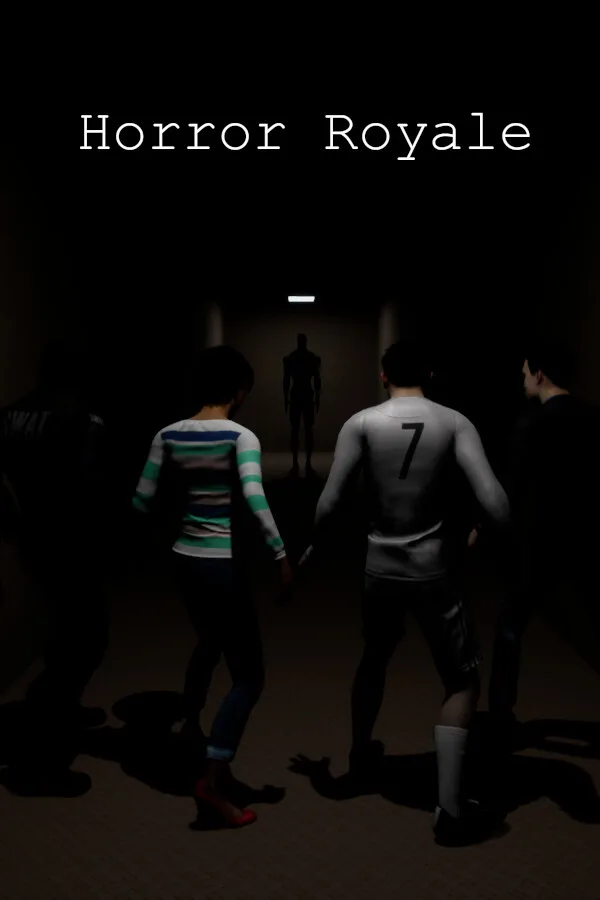
Horror Royale is an online and local multiplayer co-op/PvP survival horror game. Communicate with your friends using proximity chat (but try not to let the monsters hear) and use items and your environment to avoid the monsters and survive.
Mods: Discover player-created monsters, human skins and maps on the Steam Workshop. Installing mods is easy; just press subscribe on the mod you want and it will be available to play the next time you launch Horror Royale.
Multiplayer: Horror Royale includes the ability to play local split screen with up to 4 players and also the ability to play online with an almost unlimited number of players (High numbers of players may affect game performance depending on your PC and network). Private matches are available to play with friends as well as hosting your own server that players around the world can find by using the server browser or through quick match.
Proximity Chat: Use in-game voice chat to talk to other players, you’ll be able to hear their voice from the direction that it’s coming from and it’ll be quieter the further away that they are. Hear your friend die in the next room as their voice cuts off mid scream or not know that your friend is dead at all because they were on the other side of the map when they died. Be careful; the monsters can hear your voice too, a wrongly timed sneeze might just get you killed.
VR Support: VR is supported but not required to play Horror Royale. You can even play in VR while playing with friends who are not in VR. While in VR, you can play with motion controllers or just a controller or keyboard and mouse. If you are playing with motion controllers, your in-game hands will follow the position of your motion controllers, you will need to reach down with your hand to pick items up and use the momentum of your hand to throw items.…
How to activate Horror Royale on Steam
- 01
Buy & receive your code
Complete checkout — your code lands in your inbox in ~30 seconds, and is always available under Orders in your Gameplug account.
- 02
Open Steam
In the desktop client: top-left menu "Games" → "Activate a Product on Steam…" (or use the web link below).
- 03
Enter your key
Paste the key (format XXXXX-XXXXX-XXXXX) and accept the Steam Subscriber Agreement.
- 04
Install & play
The game joins your library permanently — install it on any machine you sign in to.
Code not working? Contact support — confirmed-invalid codes are replaced or refunded.