

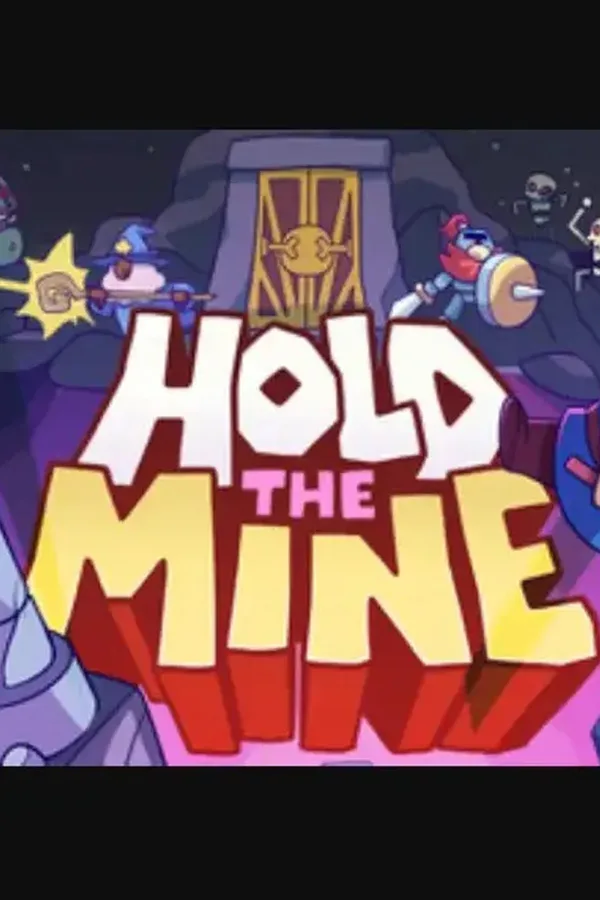
Hold the Mine (PC) - Steam Key - EUROPE RESTRICTED
Region — Activates across Europe (EU / EEA countries).
 Cannot be activated in United States
 Windows
Buy Hold the Mine (PC) - Steam Key - EUROPE RESTRICTED key
Hold the Mine (PC) - Steam Key - EUROPE RESTRICTED Important: This Steam key is only redeemable in Europe. Prepare for intense strategic defense in Hold the Mine . As the engineer responsible for a vital mining operation, your task is to defend your mine from relentless waves of enemies. Utilizing a variety of turrets, upgrades, and tactical decisions, you must ensure the mine's survival. Key Features: Strategic Tower Defense: Construct and upgrade a network of defensive turrets to repel enemy forces. Resource Management: Efficiently manage resources gathered from the mine to build and maintain your defenses. Diverse Enemies: Face a variety of challenging enemies with unique abilities and attack patterns. Upgradeable Turrets: Enhance your turrets with a wide array of upgrades to increase their firepower and effectiveness. Tactical Decision Making: Strategically place turrets, prioritize targets, and adapt your defenses to overcome each wave. Progressive Difficulty: Experience increasing challenge as you progress, demanding careful planning and resource allocation. System Requirements (Minimum): OS: Windows 7 or later Processor: Intel Core i3 or equivalent Memory: 4 GB RAM Graphics: Dedicated graphics card with 1 GB VRAM Storage: 2 GB available space System Requirements (Recommended): OS: Windows 10 Processor: Intel Core i5 or equivalent Memory: 8 GB RAM Graphics: Dedicated graphics card with 2 GB VRAM Storage: 2 GB available space Delivery: This product is a digital Steam key. You will receive your key instantly upon purchase. Redemption Instructions: Launch the Steam client software and log into your Steam account. Click the "Games" menu. Choose "Activate a Product on Steam..." Follow the on-screen instructions to complete the process. Note: Please ensure your Steam account is registered in Europe before purchasing this key. Non-European Steam accounts will not be able to redeem this key.
How to activate Hold the Mine (PC) - Steam Key - EUROPE RESTRICTED on Steam
- 01
Buy & receive your code
Complete checkout — your code lands in your inbox in ~30 seconds, and is always available under Orders in your Gameplug account.
- 02
Open Steam
In the desktop client: top-left menu "Games" → "Activate a Product on Steam…" (or use the web link below).
- 03
Enter your key
Paste the key (format XXXXX-XXXXX-XXXXX) and accept the Steam Subscriber Agreement.
- 04
Install & play
The game joins your library permanently — install it on any machine you sign in to.
Code not working? Contact support — confirmed-invalid codes are replaced or refunded.
All sellers
 EuropeEurope RestrictedUnavailable







