 Can be activated in United States
 Windows
Screenshots & trailer
Buy Galvatein : Adventurers' Guild key
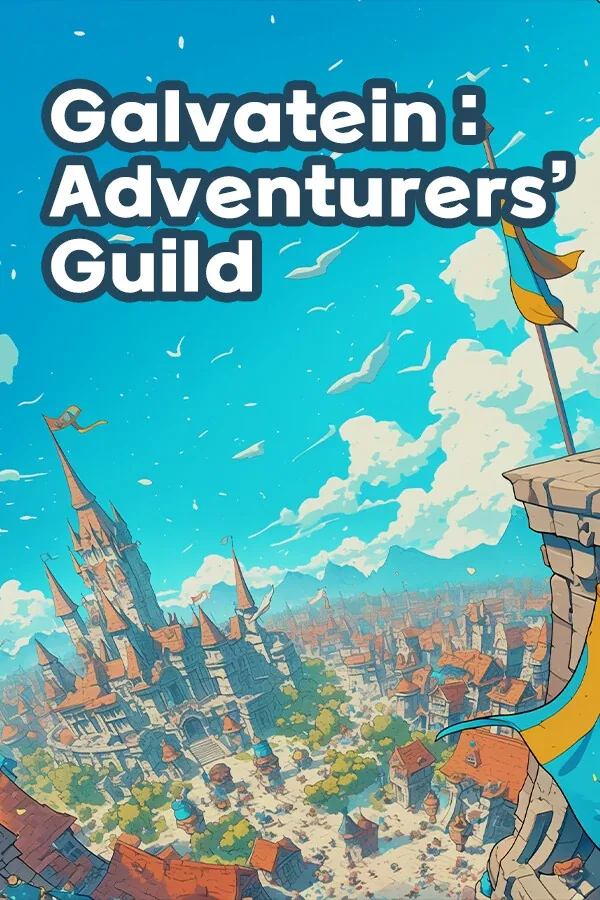
「Galvatein : Adventurers' Guild」 is a classic fantasy simulation game where you step into the role of a guild receptionist, reviewing quests for brave adventurers. Presented in an omnibus format, each chapter unfolds a unique event set in a richly detailed fantasy world.
Verify quest completion
At the break of dawn, the guild receptionist gets to work — checking every detail to see if the adventurers did their job right.
Well, ordinary people don't really know much about monsters, after all.
Since most clients aren’t familiar with monsters, it’s up to the receptionist to deduce the target using only the details in the quest. Then comes the real work — analyzing loot, consulting bestiaries, checking maps and licenses — all to ensure the adventurer did their job right.
Interaction with Adventurers
To make accurate judgments, the receptionist can ask adventurers questions — about the loot, about the monsters, and sometimes about the people who’ve gone missing. Beyond that, enjoy light-hearted conversations and listen to tales of their lives and the many stories scattered across the continent of Eustace.
The choice is always yours
If you stick to the rules and fulfill your duties as a receptionist, the guild should run smoothly. But what if an adventurer comes to you with circumstances you simply can’t ignore? Or what if you come across a piece of loot you desperately want? The choice is yours. Just remember… that freedom is yours only as long as the guild keeps running smoothly.
The Guild Tavern
When night falls, the guild tavern opens its doors. Adventurers drop by to unwind after a long day, bringing with them tales of all kinds — from the ordinary to the extraordinary, and perhaps even a story of love or two. Cook up “monster cuisine” using ingredients from defeated beasts, and sit back as you listen to the many voices of the world.
Monster cuisine can be dangerous!…
How to activate Galvatein : Adventurers' Guild
- 01
Buy & receive your code
Complete checkout — your code lands in your inbox in ~30 seconds, and is always available under Orders in your Gameplug account.
- 02
Open PC
Launch PC and find "Activate a product" / "Redeem code" in the account or store menu.
- 03
Enter your key
Paste the key — the product is added to your library instantly.
Code not working? Contact support — confirmed-invalid codes are replaced or refunded.