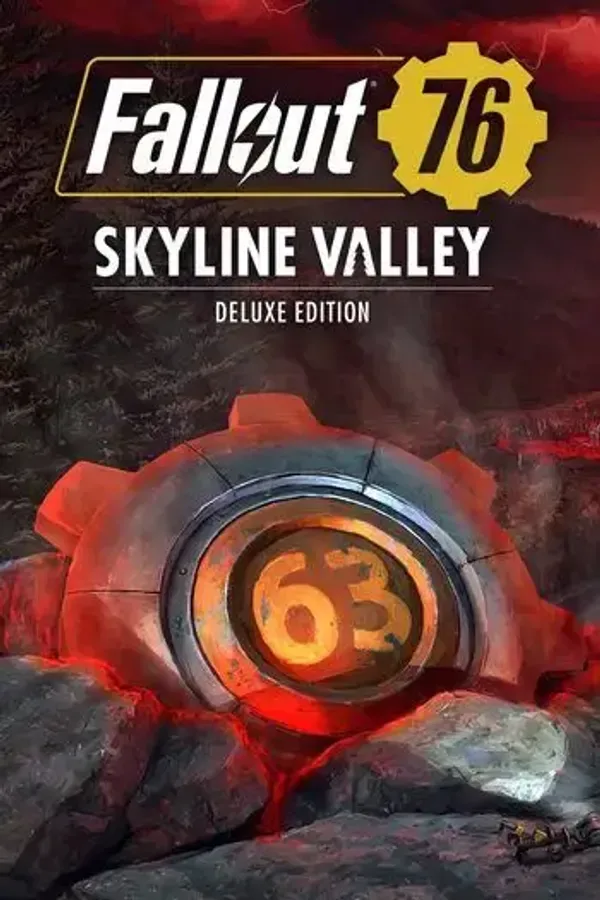
Fallout 76: Skyline Valley Deluxe Edition TR PC
AsiaRegion — Activates in the Asia region.
 Cannot be activated in United States
At a glance
- Region
 TurkeyCheck region restrictions
- Platform
- PC
- Format
- Digital keyGenuine & region-checked
- Delivery
- Instant deliveryEmailed in ~30 seconds
- Works on
Windows
Buy Fallout 76: Skyline Valley Deluxe Edition TR key
Includes: Fallout 76 Base Game Fallout 76: Skyline Valley - Lost Treasures Bundle Fallout 76: Skyline Valley - Lost Treasures Bundle includes: Weather Control Station (Skyline Valley): Give your C.A.M.P an electrical red glow! V63 Power Armor & Jetpack Paint: Become a Vault 63 champion with this shiny new Power Armor and Jetpack skin. Vault 63 Door Display: Bring a piece of Vault 63 to your C.A.M.P. Moe the Mole Plushie: Moe the Mole really digs safety. V63 Chassis Display Frame: Showcase your Power Armor in Vault 63 style! Lightning Rod Pose: Harness the power of lightning with this pose. Bethesda Game Studios, the award-winning creators of Skyrim and Fallout 4, welcome you to Fallout 76. Twenty-five years after the bombs fell, you and your fellow Vault Dwellers—chosen from the nation’s best and brightest – emerge into post-nuclear America on Reclamation Day, 2102. Play solo or join together as you explore, quest, build, and triumph against the wasteland’s greatest threats. Explore a vast wasteland, devastated by nuclear war, in this open-world multiplayer addition to the Fallout story. Experience the largest, most dynamic world ever created in the legendary Fallout universe. Expand southward to Skyline Valley – a brand-new region of Appalachia. Investigate the cause of the electric storm circling overhead and unveil the mystery around Vault 63 and its dwellers, including a shocking new Ghoul type – The Lost. Immersive Questlines and Engaging Characters Uncover the secrets of West Virginia by playing through an immersive main quest, starting from the moment you leave Vault 76. Befriend or betray new neighbors who have come to rebuild, and experience Appalachia through the eyes of its residents. Seasons Progress through each season and unlock free rewards like consumables, C.A.M.P. items and more, by completing limited-time challenges.…
How to activate Fallout 76: Skyline Valley Deluxe Edition TR on Steam
- 01
Buy & receive your code
Complete checkout — your code lands in your inbox in ~30 seconds, and is always available under Orders in your Gameplug account.
- 02
Open Steam
In the Steam app: "+ Add a Game" (bottom left) → "Activate a Product on Steam..." (or use the web link below).
- 03
Enter your key
Paste the key (format XXXXX-XXXXX-XXXXX) and accept the Steam Subscriber Agreement.
- 04
Install & play
The game joins your library permanently — install it on any machine you sign in to.
Code not working? Contact support — confirmed-invalid codes are replaced or refunded.