FaceRig
Region — Global key — no region restriction, activates in every country.
 Can be activated in United States
 Windows
Screenshots & trailer
Buy FaceRig key
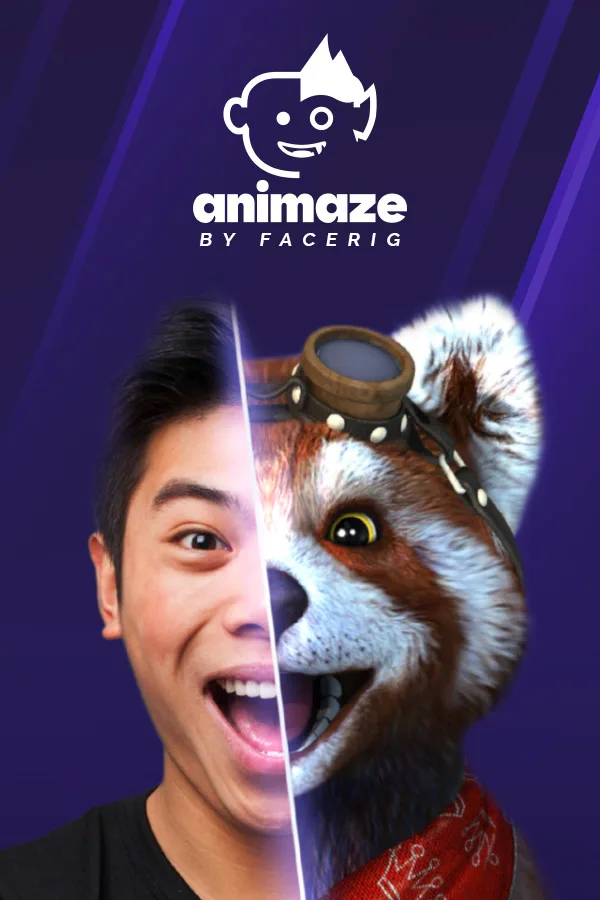
Join our Discord Server to get all the latest news: BE YOUR OWN WORLD-CLASS VIRTUAL CHARACTERVideo chat, host, and livestream as incredible 2D and 3D avatars with Animaze! Built as the successor to genre-defining FaceRig, Animaze is now powering stars like PuffPuff, who has grown to become a top TikTok virtual being!
You can also use it just for fun. Easily transform yourself at the click of a button and connect with your family, friends, followers, and fans on any platform that works with a webcam. Customize and add props to create your own unique persona. Animaze is the character creator for your online self.
Key Features List CUSTOMIZATION & EXPRESSION Choose from a vast array of premade base models or import your own. Select from a wide range of animals, objects, and human avatars. Add props, backgrounds, and emotes. Before you know it, you’ve got a custom virtual character ready to go!
CONNECT IN MINUTES Get up and running with your very own digital avatar quickly and easily. After an initial setup, Animaze works with webcams or iPhones and is compatible with OBS, SLOBS, Discord, Zoom, Google Meetings and more!
IMPORT YOUR OWN Live2D, VRM and Ready Player Me Models Already have a model? No need to start over! Use our guides to convert and import your models into Animaze.
HIGH QUALITY ANIMATIONS Aside the classic webcam face tracker, Animaze connects with additional trackers including iPhone TrueDepth tracker, Ultraleap (formerly Leap Motion), Mocopi (Sony's motion tracker), Tobii Eye Tracker, VMC data streams, and the Perception Neuron motion capture suit. Your virtual character (who-or-whatever they look like) accurately represents the emotions you are looking to portray.
ROBUST TOOLS FOR ARTISTS Use the Animaze Editor and comprehensive documentation to turn your 2D and 3D models into avatars, props, and backgrounds. Then, share them with the creator community!…
How to activate FaceRig on Steam
- 01
Buy & receive your code
Complete checkout — your code lands in your inbox in ~30 seconds, and is always available under Orders in your Gameplug account.
- 02
Open Steam
In the desktop client: top-left menu "Games" → "Activate a Product on Steam…" (or use the web link below).
- 03
Enter your key
Paste the key (format XXXXX-XXXXX-XXXXX) and accept the Steam Subscriber Agreement.
- 04
Install & play
The game joins your library permanently — install it on any machine you sign in to.
Code not working? Contact support — confirmed-invalid codes are replaced or refunded.
FaceRig system requirements
All sellers
 EuropeEuropeUnavailable