 SteamGlobal
Distant Worlds 2: Return of the Shakturi
Region — Global key — no region restriction, activates in every country.
 Can be activated in United States
At a glance
- Region
- GlobalCheck region restrictions
- Platform
- PCSteam
- Format
- Digital keyGenuine & region-checked
- Delivery
- Instant deliveryEmailed in ~30 seconds
- Works on
Screenshots & trailer
Buy Distant Worlds 2: Return of the Shakturi key
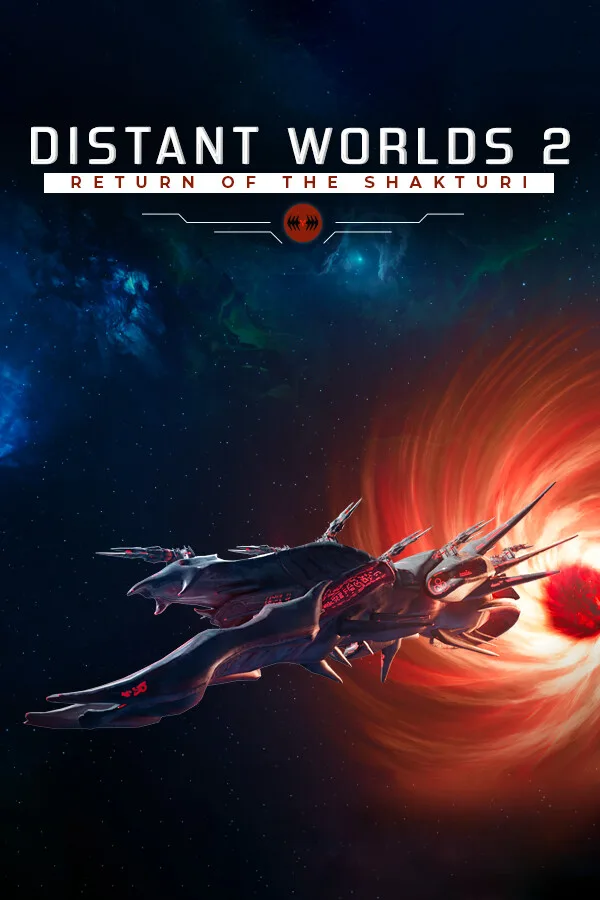
An ancient evil is returning to the vast universe of Distant Worlds 2. The Return of the Shakturi is the third expansion and first feature expansion for the acclaimed 4X space strategy game, Distant Worlds 2. It adds a full endgame crisis and story, along with numerous new gameplay features and improvements that elevate the experience to new heights.
Backstory The Shakturi, a sinister alien faction, played a pivotal role in the last cataclysm that nearly destroyed the galaxy. These formidable beings originally traveled from another galaxy and possess abilities far beyond normal understanding. Their return challenges even the most powerful late-game empires, threatening to overwhelm the galaxy.
Key Features
Genetic Engineering in the game introduces a brand-new space creature and allows the Shakturi to manufacture these creatures for scouting and combat. It also grants the Shakturi influence over existing space creatures in the galaxy, enabling them to use these creatures to further their own goals.
Biowarfare enables the Shakturi to deploy plagues that weaken other factions, making them more susceptible to Psychic influence and control.
Psychic Abilities enhance the Shakturi's effectiveness in space and ground combat, diplomacy, espionage, and research. Countering these abilities requires innovative strategies that could potentially turn the Shakturi's strengths into weaknesses.
Planet Destroyers and Mega Ships are powerful tools available to all factions, including those introduced post-release. These formidable assets are crucial in battles against the Shakturi, with Mega Ships offering unique functionalities, such as the Quameno Mobile Robotic Troop Foundry.
New Space Creature – The Rift Strider introduces fresh challenges and opportunities within the game.
Outposts allow factions to establish a presence on worlds unsuitable for full colonization, securing valuable territory for future expansion.…
How to activate Distant Worlds 2: Return of the Shakturi on Steam
- 01
Buy & receive your code
Complete checkout — your code lands in your inbox in ~30 seconds, and is always available under Orders in your Gameplug account.
- 02
Open Steam
In the Steam app: "+ Add a Game" (bottom left) → "Activate a Product on Steam..." (or use the web link below).
- 03
Enter your key
Paste the key (format XXXXX-XXXXX-XXXXX) and accept the Steam Subscriber Agreement.
- 04
Install & play
The game joins your library permanently — install it on any machine you sign in to.
Code not working? Contact support — confirmed-invalid codes are replaced or refunded.