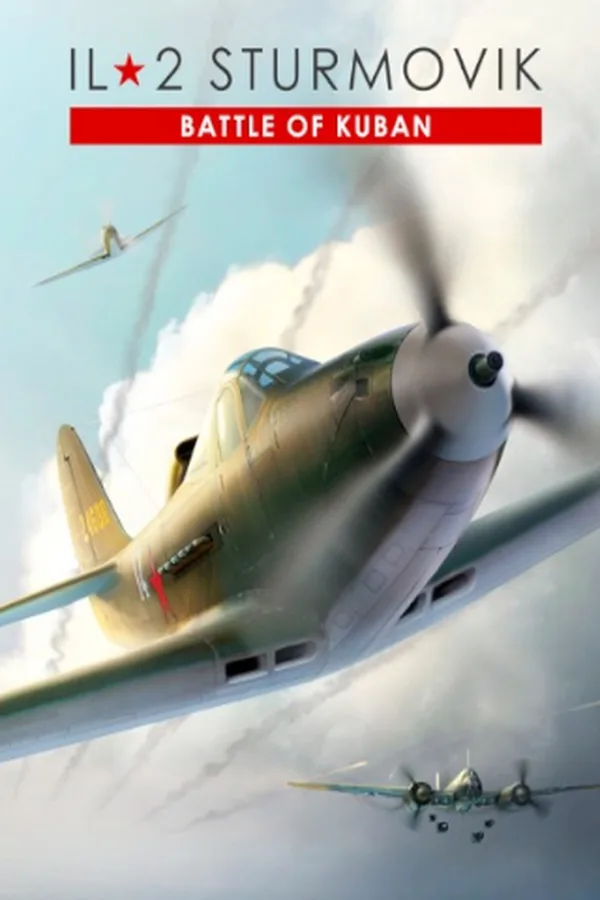
IL-2 Sturmovik - Battle of Kuban DLC PC
Region — Works worldwide — no region restriction.
 Can be activated in United States
 Windows
Screenshots & trailer
Buy IL-2 Sturmovik - Battle of Kuban DLC key
The third installment of the next-gen IL-2 Sturmovik series is dedicated to large scale aerial battles between the Red Air Force and the Luftwaffe in the skies over the Kuban front in 1943. It contains eight aircraft (additional Collector Planes are available as separate DLCs). IL-2 Sturmovik: Battle of Kuban adds the third Eastern front TOW. Combined with Battle of Stalingrad and Battle of Moscow, it creates a whole Eastern front pilot experience - you can start your pilot career near Moscow in 1941, continue to the Battle of Stalingrad in 1942-1943 and finish in Battle of Kuban in 1943.You can also use the A-20B bomber in Career mode during another timeframe - Battle of Stalingrad. Added content 8 Battle of Kuban Aircraft (Yak-7b Series 36, Bf 109 G-4 and legendary P-39L-1 Aircobra fighters, Fw 190 A-5 fighter/bomber, IL-2 AM-38F (model 1943) sturmovik, Bf 110 G-2 heavy fighter, A-20B and He 111 H-16 bombers). Kuban Map (three seasons - Spring, Summer and Autumn). Battle of Kuban Career mode timeframe with historically accurate frontlines, airfields, squadrons and weather for each day (April 17th - October 9th, 1943). Sea Dragons historical campaign (please see below). Sea Dragons historical campaign Sea Dragons historical campaign is set during the long and bloody battle at the Kuban bridgehead that lasted from the Spring until the middle of Autumn 1943, when the last troops of the occupying force retreated. The air forces of the Black Sea fleet played a major role in the fighting, striking airfields, seaports and surface targets and providing air cover for the troops of the North Caucasian front as well as supporting Soviet marine landings. This is the story of a former fighter pilot who has been transferred to the 47th Attack Aviation Regiment of the Black Sea Air Force after recovering from a serious wound.…
How to activate IL-2 Sturmovik - Battle of Kuban DLC on Steam
- 01
Buy & receive your code
Complete checkout — your code lands in your inbox in ~30 seconds, and is always available under Orders in your Gameplug account.
- 02
Open Steam
In the desktop client: top-left menu "Games" → "Activate a Product on Steam…" (or use the web link below).
- 03
Enter your key
Paste the key (format XXXXX-XXXXX-XXXXX) and accept the Steam Subscriber Agreement.
- 04
Install & play
The game joins your library permanently — install it on any machine you sign in to.
Code not working? Contact support — confirmed-invalid codes are replaced or refunded.
IL-2 Sturmovik - Battle of Kuban DLC system requirements
All sellers
What our customers say
You might also like