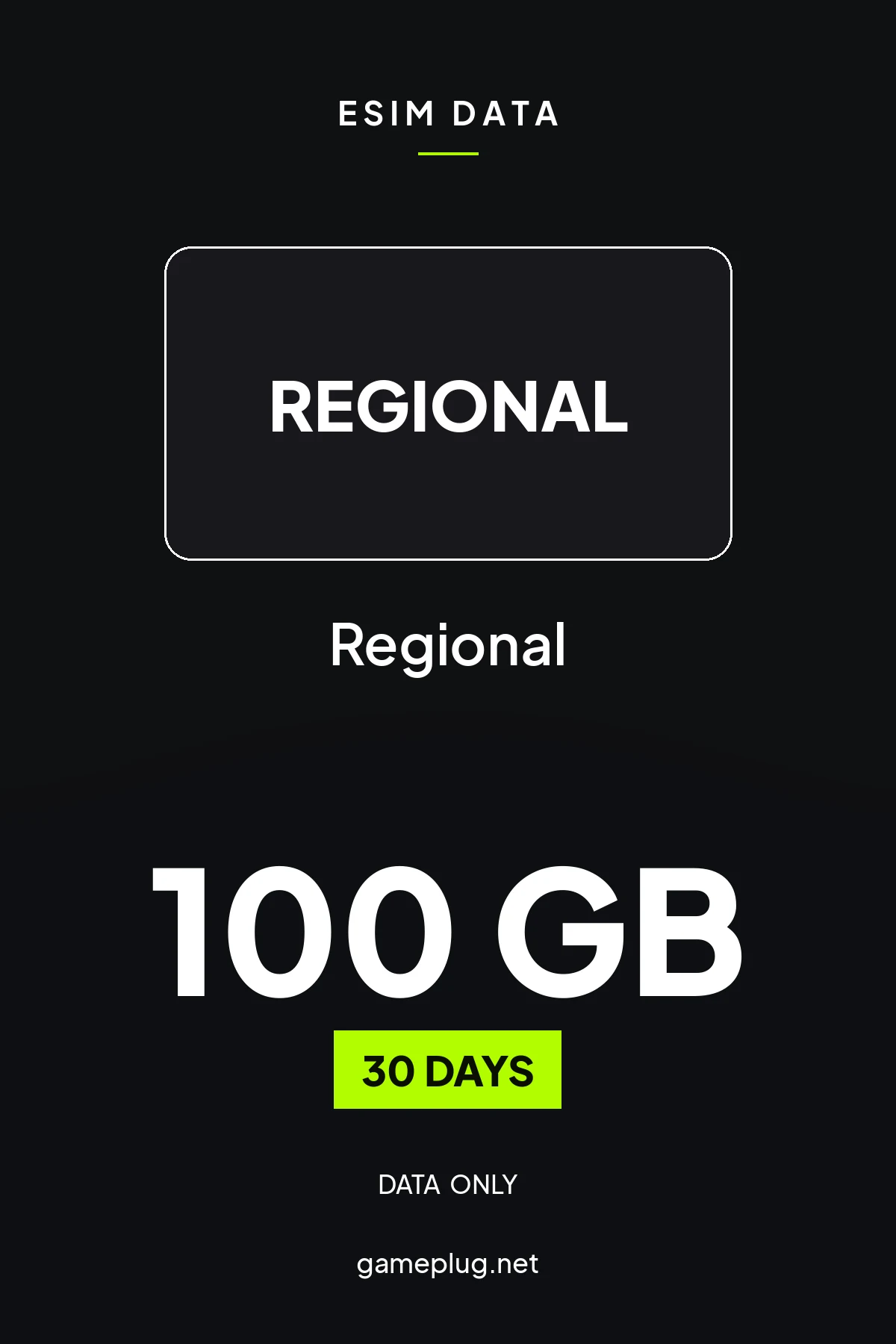
Europe eSIM · 100GB Data · 30 Days · 37 Countries
 UkraineVodafone · Kyivstar5G
 HungaryVodafone Hungary Ltd. · Yettel Magyarország Zártköruen Muködo Részvénytárs5G
 IcelandNova ehf.5G
 MaltaEpic Malta · GO p.l.c.5G
 NorwayTelia Norge AS5G
 RomaniaVodafone Romania · Digi Romania · Orange Romania5G
 San MarinoILIAD Italia S.p.A. · Vodafone Italy (Swisscom) · WINDTRE5G
 SwedenTele2 AB · 3 Sweden5G
 EstoniaTelia Eesti AS · Tele2 Eesti Aktsiaselts · Elisa Eesti AS5G
 LatviaLatvijas Mobilais Telefons · Tele2 SIA5G
 LithuaniaUAB Tele2 · Telia Lietuva AB5G
 MoldovaVoxtel Moldova5G
 TurkeyTurk Telecom5G
 SloveniaA1 Slovenija, d.d. · Telekom Slovenije d.d. · Telemach5G
 CzechO2 Czech Republic · Vodafone Czech Republic5G
 SlovakiaO2 Slovakia · Orange Slovakia5G
 Vatican City StateWINDTRE · ILIAD Italia S.p.A. · Vodafone Italy (Swisscom)5G
 NetherlandsVodafone Netherlands · KPN B.V.5G
 CroatiaTelemach Croatia Ltd. · A1 Hrvatska d.o.o5G
 GreeceVodafone Greece · NOVA5G
 IrelandEircom Limited · 3 Ireland5G
 BelgiumProximus Belgium · ORANGE Belgium NV/SA · Telenet Group NV/SA5G
 CyprusEPIC Ltd.5G
 Denmark3 Denmark · Nuuday A/S5G
 United KingdomEE Limited · 3 United Kingdom5G
 GermanyTelefónica Germany GmbH & Co. OHG · E-Plus · Vodafone Germany5G
 FranceOrange FR5G
 ItalyILIAD Italia S.p.A. · WINDTRE · Vodafone Italy (Swisscom)5G
 LuxembourgTango · Orange Luxembourg5G
- An eSIM QR code by email, instantly after payment.
- Manual activation details (SM-DP+ & code) as a backup.
- Top-up supported — extend data without a new SIM.
- Needs an eSIM-capable, carrier-unlocked phone (iPhone XS+, modern Android).
- eSim will be activated when first byte of data is consumed
- Data-only (no number) — use WhatsApp / iMessage for calls.
- Keep your home SIM in for calls/SMS; the eSIM handles data.
Buy Europe eSIM · 100GB Data · 30 Days · 37 Countries
Europe eSIM · 100GB Data · 30 Days · 37 Countries for esim is a digital product key delivered instantly by email. Redeem it on the relevant platform to add the product to your library. Region: Regional — confirm it matches your account before purchase.
How to activate your Europe eSIM · 100GB Data · 30 Days · 37 Countries eSIM
- 01
1 · Buy & receive your QR code
Complete checkout — your eSIM QR code arrives by email in under a minute and is always available under Orders in your Gameplug account. Tip: install it BEFORE you travel (over Wi-Fi); it won't use any data until you switch it on.
- 02
2 · Add the eSIM (iPhone)
Settings → Cellular (or Mobile Data) → "Add eSIM" → "Use QR Code" → scan the QR from your email. If you're scanning on the same phone, tap "Enter Details Manually" and paste the SM-DP+ address and activation code from the email.
- 03
2 · Add the eSIM (Android)
Settings → Network & Internet → SIMs (or Mobile network) → "Add eSIM" / "Download a SIM instead?" → scan the QR. Wording varies by brand (Samsung: Connections → SIM manager → Add eSIM).
- 04
3 · Label & set your data line
Name the plan something like "Travel". Keep your home SIM for calls/texts, and set this eSIM as your Mobile Data line so it carries the internet.
- 05
4 · Turn ON Data Roaming for the eSIM
For the travel eSIM line only, enable "Data Roaming" — this is normal and required for a foreign network; you will NOT be charged your home roaming rates because the data comes from this plan.
- 06
5 · Activate on arrival
When you reach your destination (or first use data), the eSIM connects to a local network automatically. That first connection starts your validity period — so activate when your trip begins, not before.
Your phone must be carrier-unlocked and eSIM-capable (iPhone XS or newer; Pixel 3+, Galaxy S20+, and most modern Androids). Networks are auto-configured (APN) — no manual setup needed. Not getting online? Toggle Airplane mode, make sure the eSIM line + its Data Roaming are ON, and that it's selected for Mobile Data. Keep the QR — you may need it to reinstall.
Code not working? Contact support — confirmed-invalid codes are replaced or refunded.
All sellers
What our customers say
You might also like