Star Wars Zero Company (PS5) (EU)
Region — Activates in Europe.
 Cannot be activated in United States
At a glance
- Activation
 EuropeCheck region restrictions
- Platform
PlayStation 5
- Format
- Digital keyCheck the region above matches your account
- Delivery
- Instant for in-stock keysSecure reveal link by email
- Works on
Screenshots & trailer
Buy STAR WARS Zero Company™ key
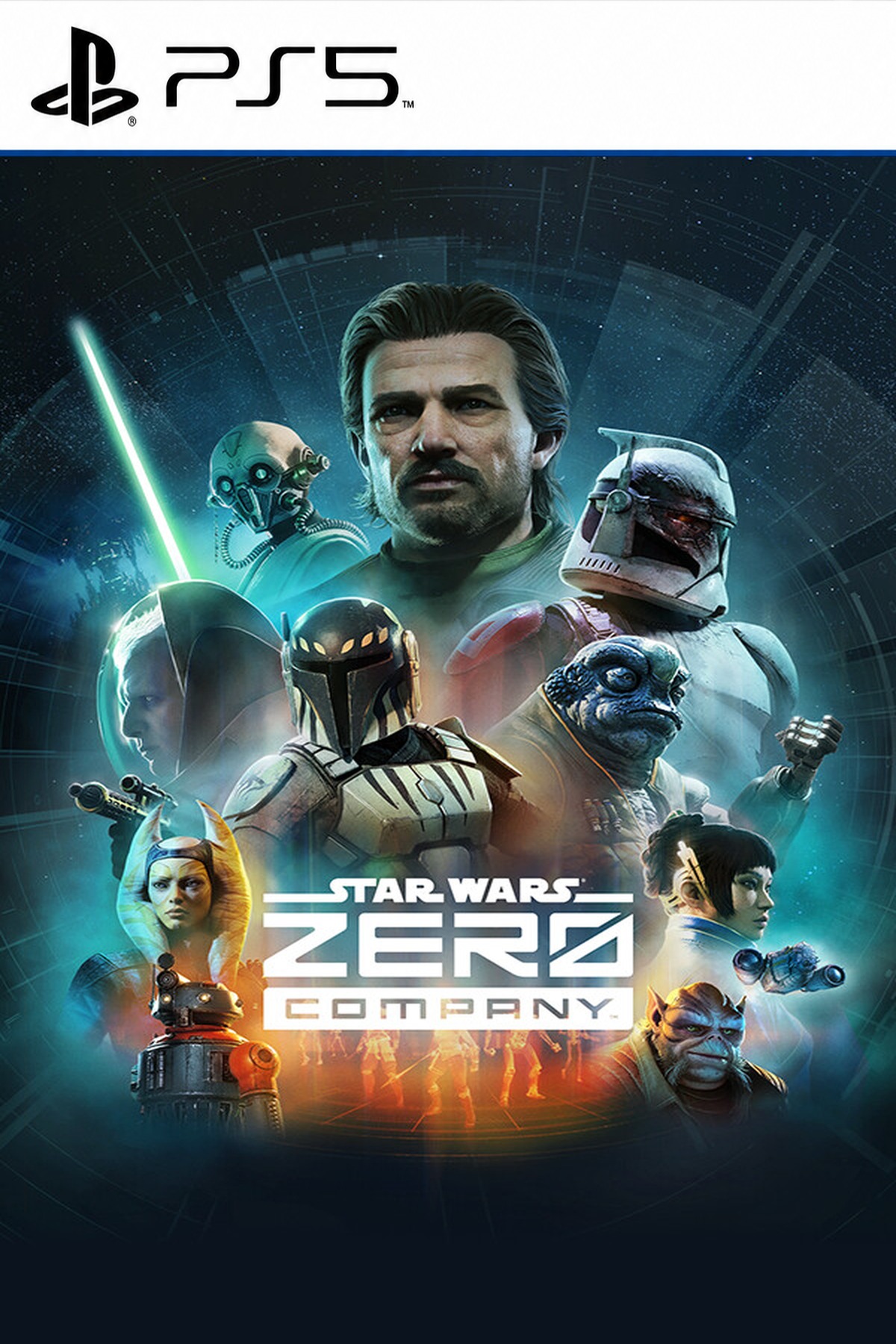
Command an elite squad through a gritty and authentic story in STAR WARS Zero Company™, a single-player turn-based tactics game set in the twilight of the Clone Wars™.
You will step into the shoes of Hawks, a former Republic officer who leads Zero Company as they are recruited for an operation that pits them against an emerging threat that will consume the galaxy if left unchecked.
Command the galaxy’s finest in tactical operations, investigations, and other heart-pounding missions through a cinematic original story.
Strategize and adapt at both your base of operations and an ever-shifting battlefield to make every move count — the outcomes of your decisions make each playthrough different.
Deploy a team of operatives composed of a variety of archetypes — ranging from scoundrels to astromechs, or even a Jedi — choosing from an arsenal of tactical abilities to outmaneuver and defeat your foes.
Improve your squad’s skills as you deploy them on missions, where they learn to work together and unlock new combat synergies that could be the difference between victory and defeat.
Customize Hawks’ combat specialization and appearance, then fill out your team with original and custom-made Star Wars characters, tailoring their appearances, loadouts, and abilities to fit your playstyle.
How to activate STAR WARS Zero Company™ on PlayStation Store
- 1
Buy & receive your code
Complete checkout — for in-stock items a secure reveal link is emailed within minutes and your code is shown under Orders in your Gameplug account. Pre-orders are delivered on release day.
- 2
On console or web
PS5: PlayStation Store → press △ → "…" (More) → "Redeem Code". Or redeem in the browser via the button below.
- 3
Enter the 12-digit code
Type the voucher code; funds or the product attach to your PSN account instantly.
- 4
Region check
PSN codes are region-locked — the code region must match your PSN account region (shown on this page).
PSN vouchers only work on accounts created for the matching region.
Code not working? Contact support — confirmed-invalid codes are replaced or refunded.
STAR WARS Zero Company™ reviews & ratings
Other versions & regions
All sellers
Europe1 in stockWhat our customers say
You might also like