God of War Digital Deluxe Edition US (PS4)
Region — Activates in United States only.
 Can be activated in United States
At a glance
- Activation
- United StatesUSCheck region restrictions
- Platform
PlayStation 4
- Format
- Digital keyCheck the region above matches your account
- Delivery
- Sent as a store giftTo the account you name at checkout
- Works on
Screenshots & trailer
Buy God of War key
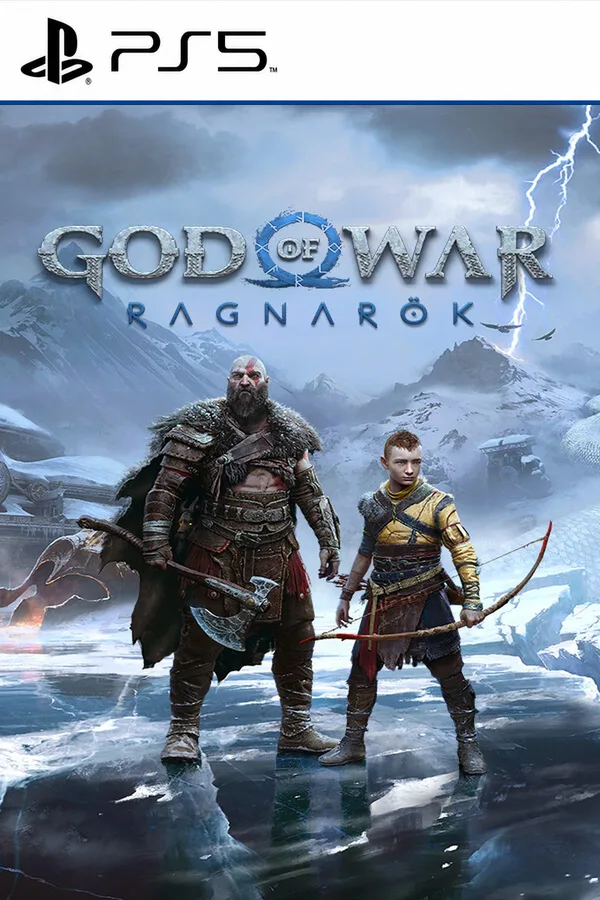
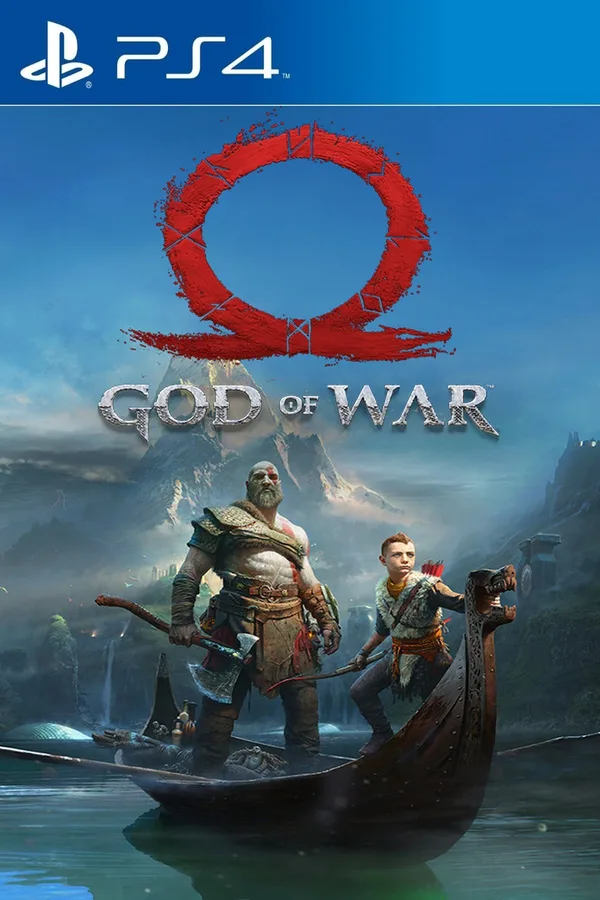
God of War is the sequel to God of War III as well as a continuation of the canon God of War chronology. Unlike previous installments, this game focuses on Norse mythology and follows an older and more seasoned Kratos and his son Atreus in the years since the third game. It is in this harsh, unforgiving world that he must fight to survive… and teach his son to do the same.
Many years have passed since Kratos, Spartan warrior and former Greek God of War, took his vengeance against the Greek Gods, and he now lives with his young son Atreus in ancient Norway in the realm of Midgard. The game begins after the death of the Jötunn warrior Faye, Kratos' second wife and Atreus' mother, whose last request was for her ashes to be spread at the highest speak of the nine realms. Kratos and Atreus prepare a funeral pyre for her, mourn her death and soon go on a hunt as per Kratos' desire. However much to Kratos' disappointment, Atreus proves his incompetence and lack of focus, making Kratos reconsider taking Atreus in his journey. Kratos is soon attacked by a mysterious stranger with godlike powers, and who cannot feel anything physically. After seemingly killing him, Kratos reluctantly takes Atreus with him and begins their journey.
How to activate God of War on PlayStation Store
- 1
Buy & receive your code
Complete checkout — for in-stock items a secure reveal link is emailed within minutes and your code is shown under Orders in your Gameplug account. Pre-orders are delivered on release day.
- 2
On console or web
PS5: PlayStation Store → press △ → "…" (More) → "Redeem Code". PS4: Store sidebar → "Redeem Codes". Or redeem in the browser via the button below.
- 3
Enter the 12-digit code
Type the voucher code; funds or the product attach to your PSN account instantly.
- 4
Region check
PSN codes are region-locked — the code region must match your PSN account region (shown on this page).
PSN vouchers only work on accounts created for the matching region.
Code not working? Contact support — confirmed-invalid codes are replaced or refunded.