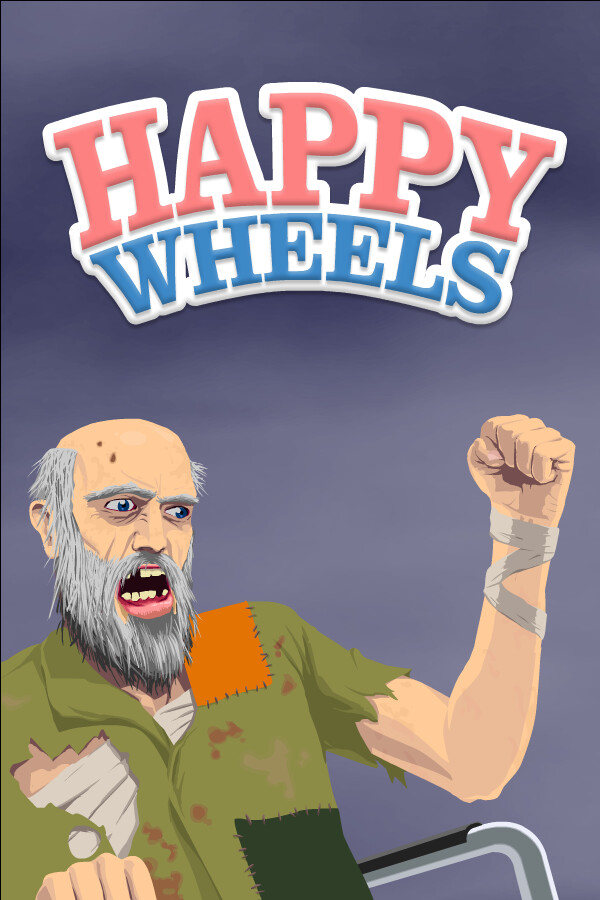
Happy Wheels PC Steam Altergift
Region — Global key — no region restriction, activates in every country.
 Can be activated in United States
At a glance
- Activation
- GlobalCheck region restrictions
- Platform
- PC
- Format
- Digital keyCheck the region above matches your account
- Delivery
- Sent as a store giftTo the account you name at checkout
- Works on
Windows
Screenshots & trailer
Buy Happy Wheels key
Happy Wheels is a side-scrolling, physics-based, community driven sandbox game, now (finally) available, ad-free, on Steam. Select your inadequately prepared racer, and disregard severe consequences in your desperate pursuit of short-lived victory. Choose from more than 5 million user created levels or create and share your own.
Features
Fully featured Level Editor -- build and share your own courses
Play new, daily user submitted levels, sorted and ranked through the interactive Level Browser
Multiple playable characters, each with unique vehicles and underwhelming abilities
Life ending obstacles. Lack of adequate reward. Why even do this?
NEW* Level Browser Select Date feature, for deep dive into ancient levels of the forgotten past
NEW* Unsavory Steam Achievements and Stats
NEW* Link your old Happy Wheels account to your Steam ID, auto login on multiple devices
NEW* Added controller support
NEW* Download levels for offline play
NEW* Complete lack of ads, I don't like ads
How to activate Happy Wheels on Steam
- 1
Buy & receive your code
Complete checkout — for in-stock items a secure reveal link is emailed within minutes and your code is shown under Orders in your Gameplug account. Pre-orders are delivered on release day.
- 2
Open Steam
In the Steam app: "+ Add a Game" (bottom left) → "Activate a Product on Steam..." (or use the web link below).
- 3
Enter your key
Paste the key (format XXXXX-XXXXX-XXXXX) and accept the Steam Subscriber Agreement.
- 4
Install & play
The game joins your library permanently — install it on any machine you sign in to.
Code not working? Contact support — confirmed-invalid codes are replaced or refunded.