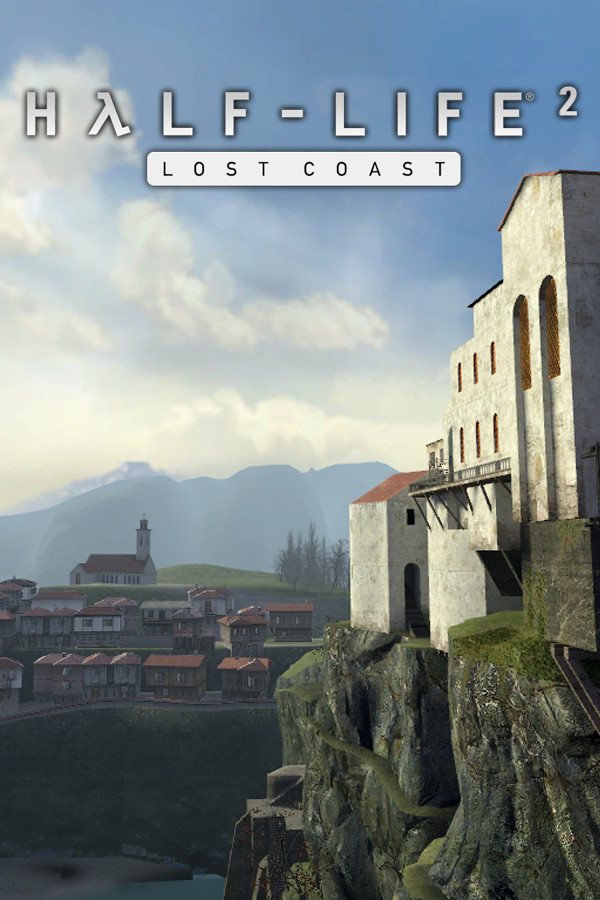
Half-Life 2: Lost Coast PC Steam Gift
Region — Global key — no region restriction, activates in every country.
 Can be activated in United States
At a glance
- Activation
- GlobalCheck region restrictions
- Platform
- PC
- Format
- Digital keyCheck the region above matches your account
- Delivery
- Sent as a store giftTo the account you name at checkout
- Works on
Windows
Screenshots & trailer
Buy Half-Life 2: Lost Coast key
Originally planned as a section of the Highway 17 chapter of Half-Life 2, Lost Coast is a playable technology showcase that introduces High Dynamic Range lighting to the Source engine.
How to activate Half-Life 2: Lost Coast on Steam Wallet
- 1
Buy & receive your code
Complete checkout — for in-stock items a secure reveal link is emailed within minutes and your code is shown under Orders in your Gameplug account. Pre-orders are delivered on release day.
- 2
Open the redemption page
Sign in to Steam in a browser and open "Redeem a Steam Gift Card or Wallet Code" (the button below).
- 3
Enter the code
Enter it under "Steam Wallet Code" and select Continue — the funds appear in your Steam Wallet.
- 4
Check the currency
Pick a code in your Steam Wallet's currency: Steam can refuse a code in another currency.
Steam Wallet codes are tied to a currency — match the code currency to your Steam Wallet currency.
Code not working? Contact support — confirmed-invalid codes are replaced or refunded.