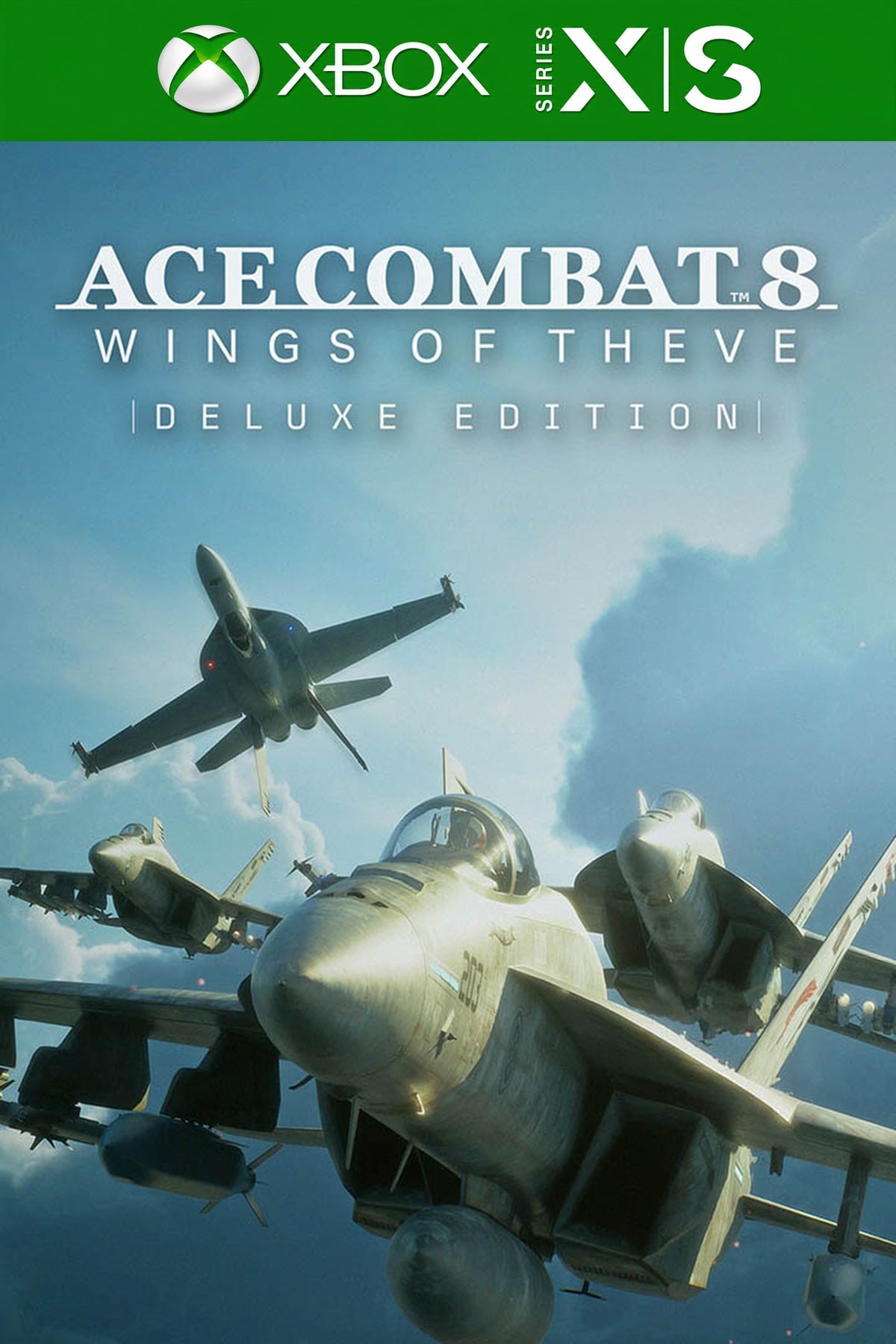
ACE COMBAT 8: WINGS OF THEVE (Deluxe Edition) (Xbox Series X|S) (US)
Region — Activates in United States only.
 Can be activated in United States
At a glance
- Activation
- United StatesUSCheck region restrictions
- Platform
- Xbox Series X|S
- Format
- Digital keyCheck the region above matches your account
- Delivery
- Instant for in-stock keysSecure reveal link by email
- Works onXbox Series X|S
Screenshots & trailer
Buy ACE COMBAT 8: WINGS OF THEVE key
Step into the cockpit and take flight as an elite pilot across stunning skies. Enter intense dogfights, eliminate threats, and rise through gripping missions to earn your wings in this game developed by PROJECT ACES, the acclaimed team behind the franchise.
Campaign Mode showcases stunning visuals with dynamic multi-layered cloudscapes that capture the majesty of living skies. Feel the rush of fast-paced arcade-style gameplay while deploying powerful weapons to dominate the battlefield.
Beyond the chaos in the air, exhilarating first-person scenes reveal your pilot’s story through breathtaking cinematics. Experience the pressure of command, the weight of decisions, and the bonds forged in battle. Between missions, bond with your squad members, rise to meet adversity, and prove yourself as a true ace.
ACE COMBAT ONLINE delivers the most expansive multiplayer experience in franchise history. Step into the series’ first online lobby, explore an air base with your custom avatar before diving into multiplayer games. Sortie into online missions with pilots worldwide in a variety of modes including Co-Op and cross platform play.
How to activate ACE COMBAT 8: WINGS OF THEVE on Microsoft / Xbox
- 1
Buy & receive your code
Complete checkout — for in-stock items a secure reveal link is emailed within minutes and your code is shown under Orders in your Gameplug account. Pre-orders are delivered on release day.
- 2
Open redeem.microsoft.com
Sign in with the Microsoft account you game with (or on console: Store → press the View button → "Redeem").
- 3
Enter the 25-character code
Codes look like XXXXX-XXXXX-XXXXX-XXXXX-XXXXX. Select Next and confirm — the product or credit is applied.
- 4
Find it
Money goes to your Microsoft account balance; games appear in your library. Only Xbox Play Anywhere games include the PC version.
Code not working? Contact support — confirmed-invalid codes are replaced or refunded.
ACE COMBAT 8: WINGS OF THEVE system requirements
Other versions & regions
All sellers
United States2 in stockWhat our customers say
You might also like